
Skip to content

Visual website builder for Laravel and Filament v4 & v5Websites your clients run themselves.

FilamentCraft puts a Shopify-style visual editor in your Laravel app: inside your Filament panel, or full screen in a React, Vue or Livewire app with no Filament admin. You build the app. Your users design, write and publish the website, in every language, on every tenant.

This page is wearing a theme preset. Pick one to hold it.

  • Filament 4 · 5
  • Laravel 11 · 12
  • Livewire 3 · 4
  • PHP 8.2+
  • Any tenancy, or none

Built by people who never opened a Blade file.

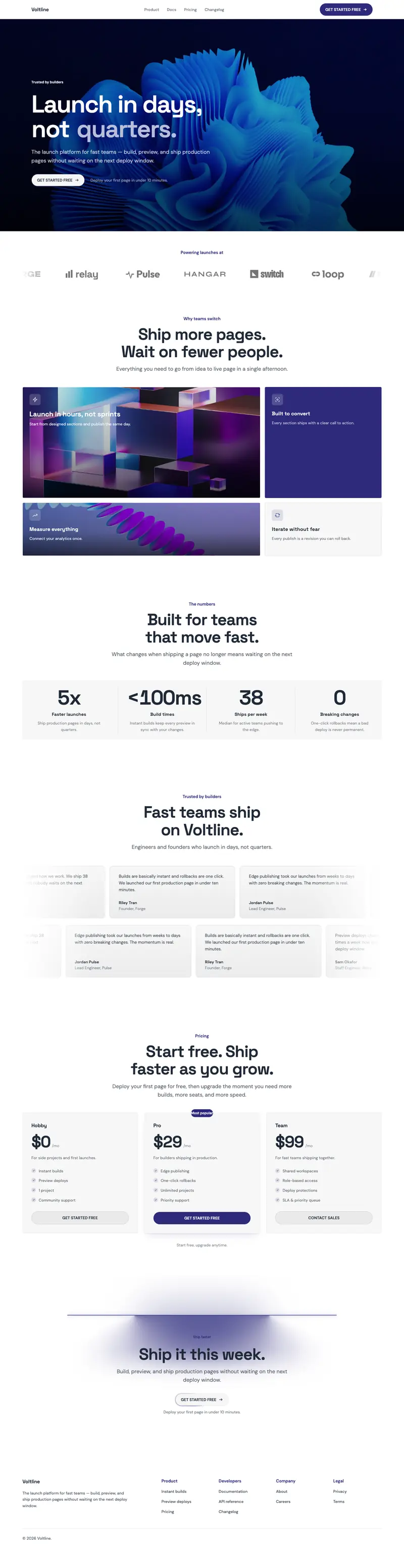
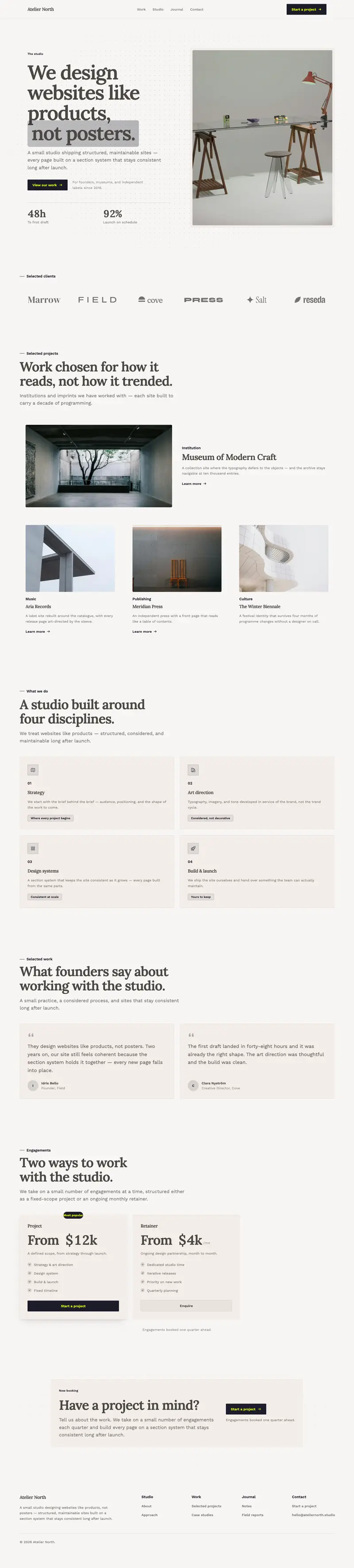
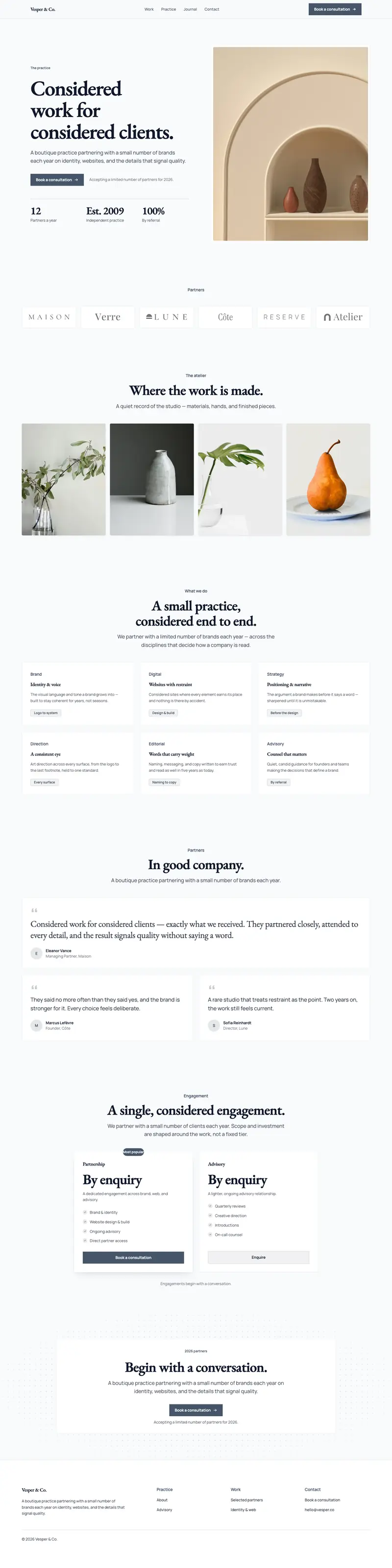
Every page below was laid out, written and published in the editor. They come from three open-source starter apps you can clone today.
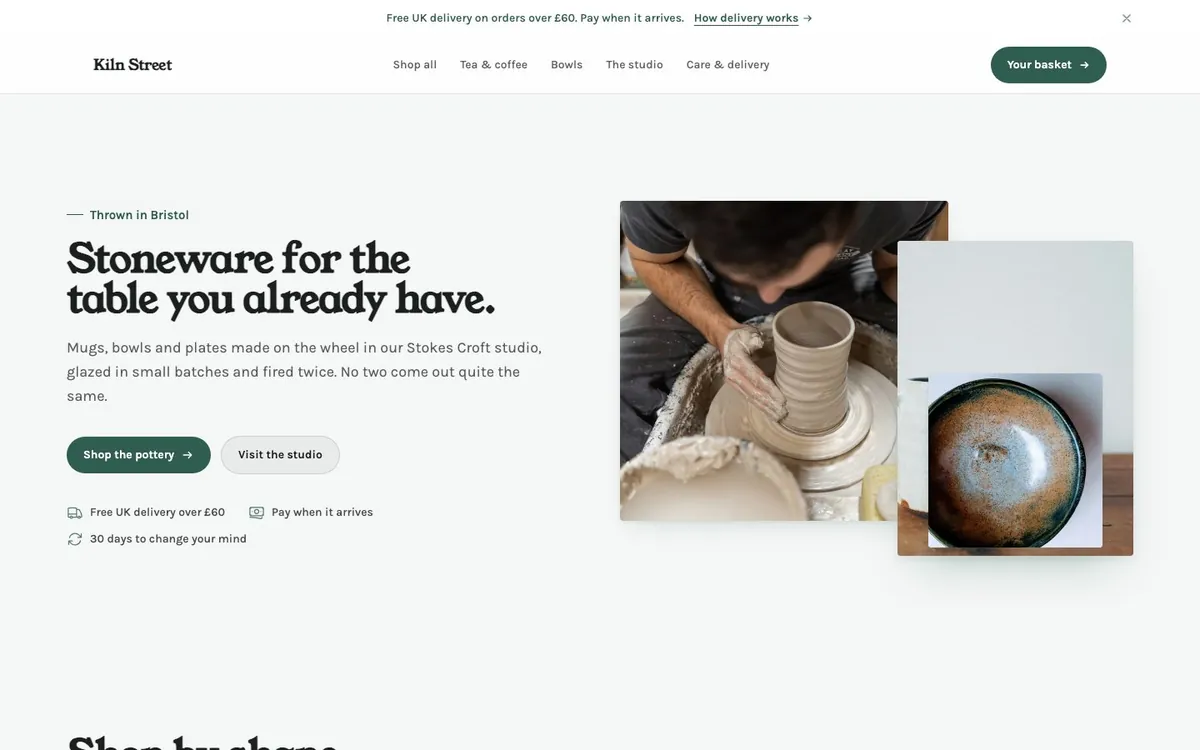
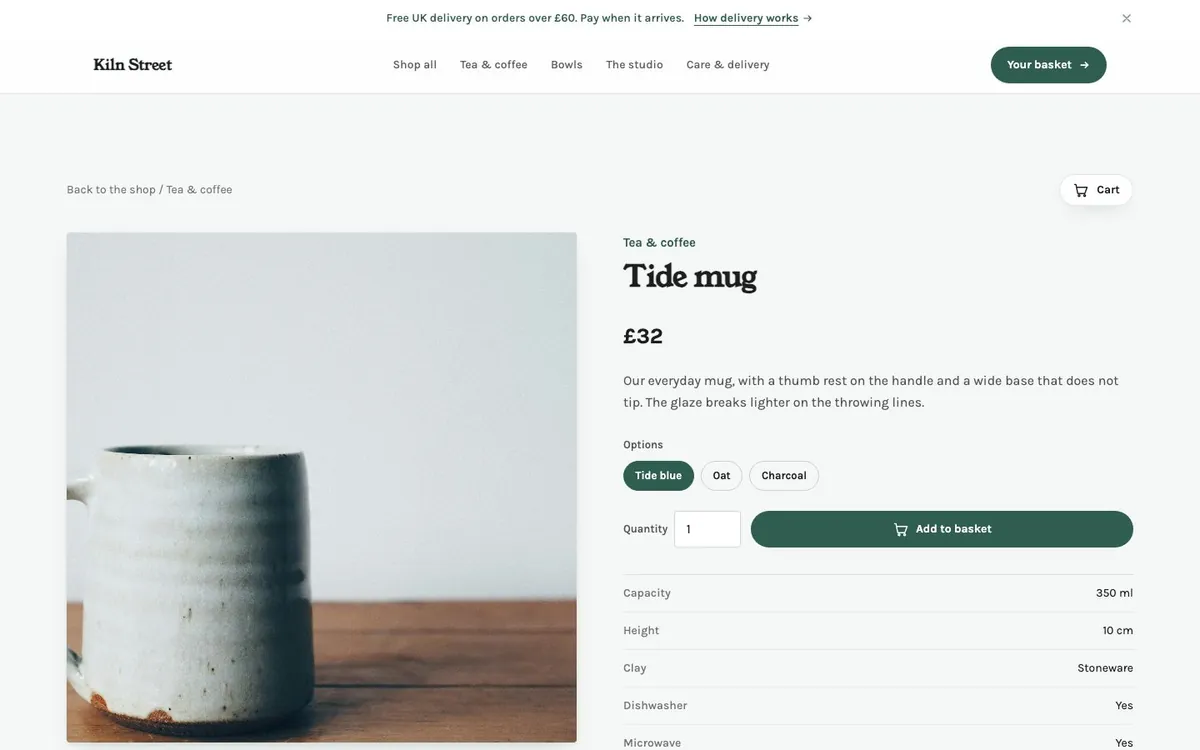
  • kilnstreet.shop
    Kiln Street, a pottery shop homepage
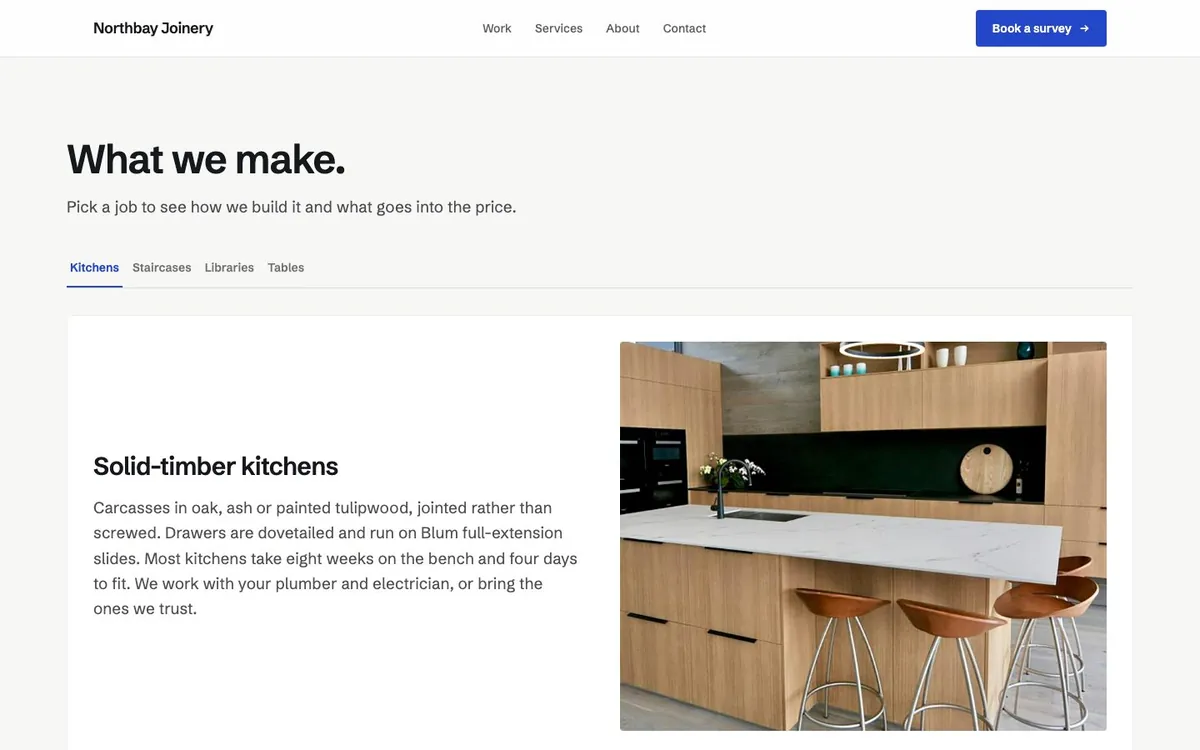
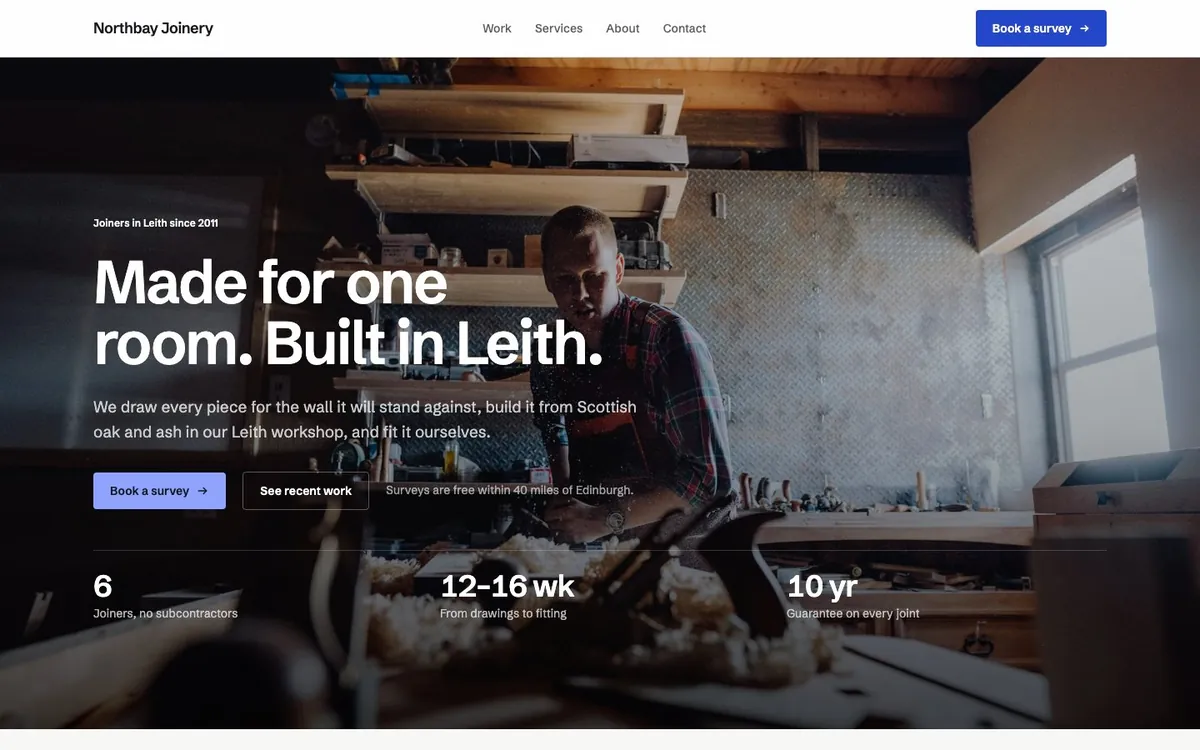
  • northbayjoinery.co.uk
    Northbay Joinery, a workshop homepage
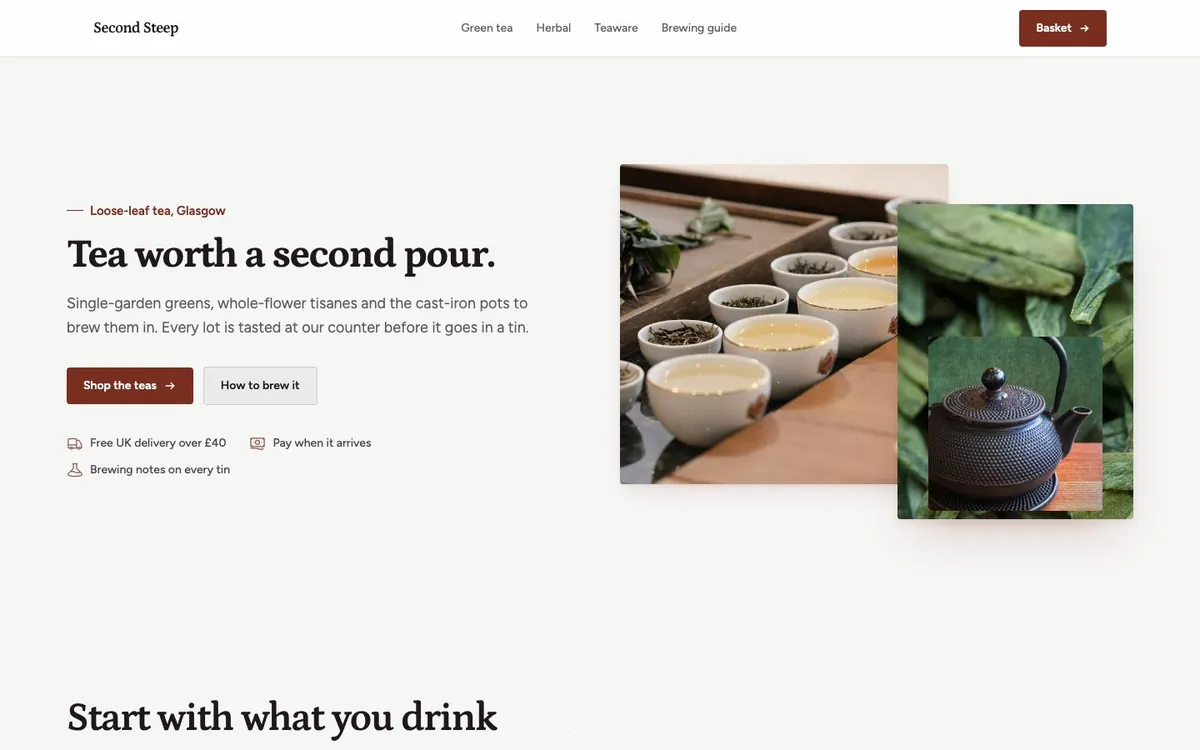
  • stallhouse.com/tea
    A tea merchant storefront on the Stallhouse platform
  • kilnstreet.shop/bowls
    A stoneware bowl product page with price and add to basket
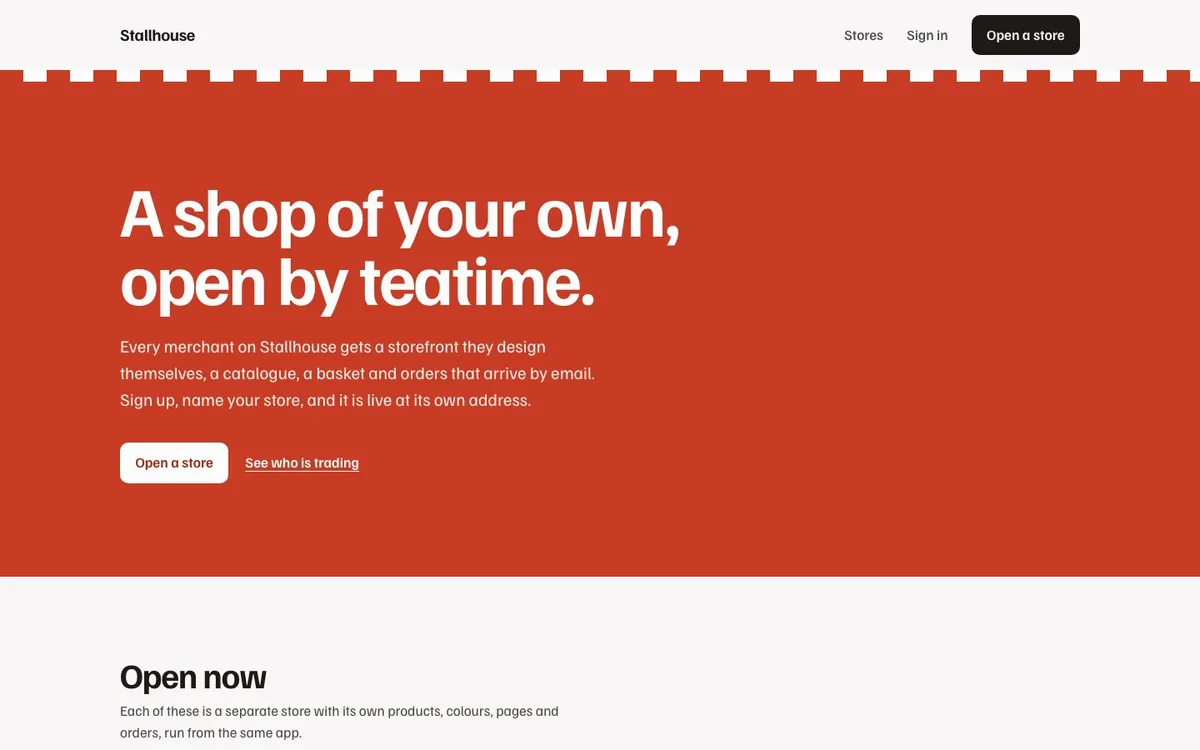
  • stallhouse.com
    Stallhouse, a platform page listing merchant stores
  • northbayjoinery.co.uk/services
    The services page of a joinery workshop
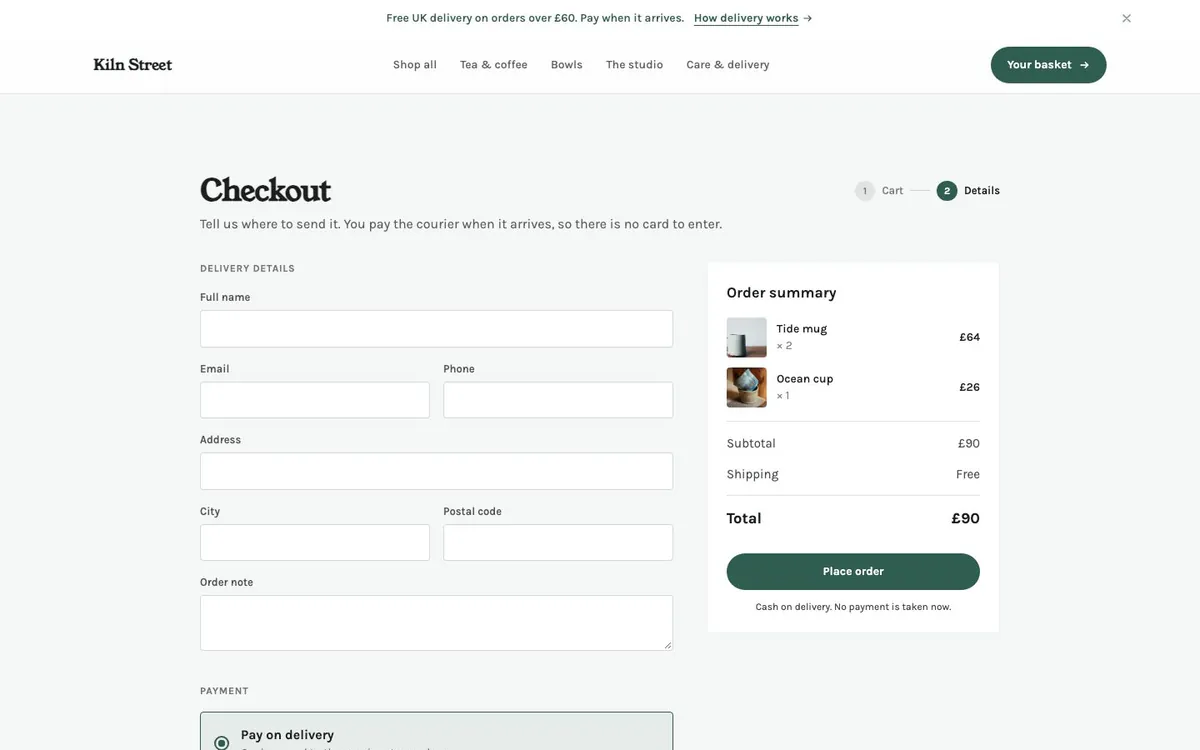
  • kilnstreet.shop/checkout
    A cash-on-delivery checkout page
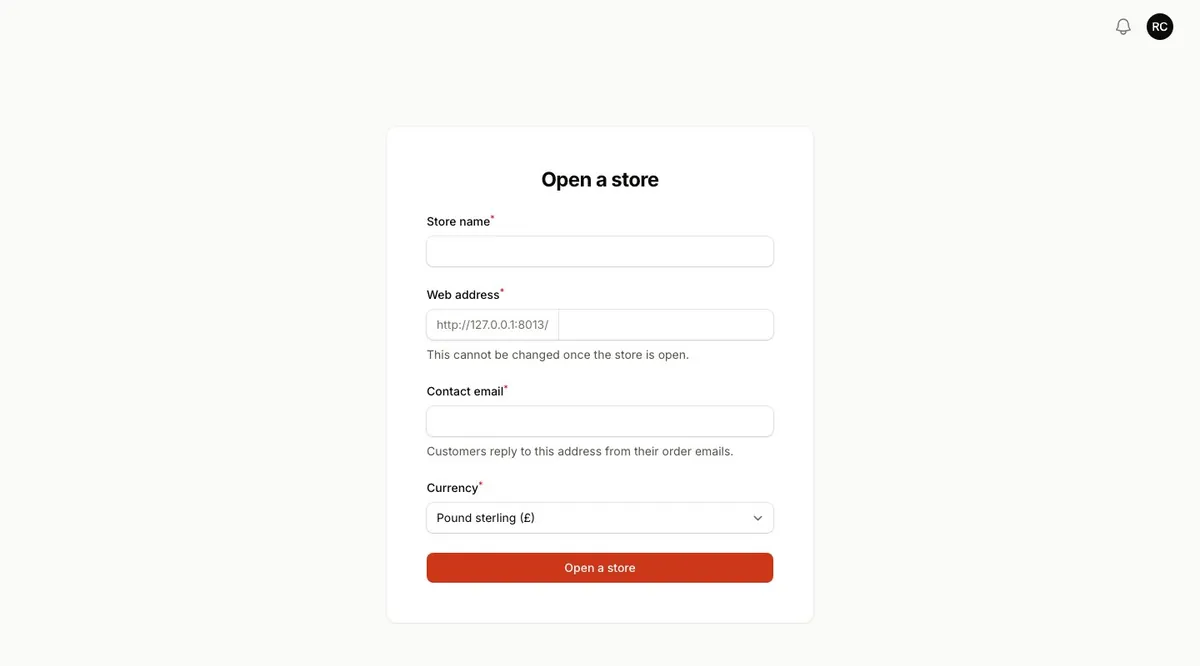
  • stallhouse.com/open
    A merchant sign-up page to open a new store

Single site

Company site

A joinery workshop with five pages, a contact form that lands in the panel inbox and 21 photographs in the media library.

GitHub ↗

E-commerce, one store

Online shop

A pottery with 19 products, basket, cash-on-delivery checkout and an orders workflow that restocks on cancel.

GitHub ↗

E-commerce, multi-tenant

Store platform

Merchants sign up and get their own store at /their-name. Ships with a tea shop in pounds and a plant shop in euros.
GitHub ↗

What your users get.

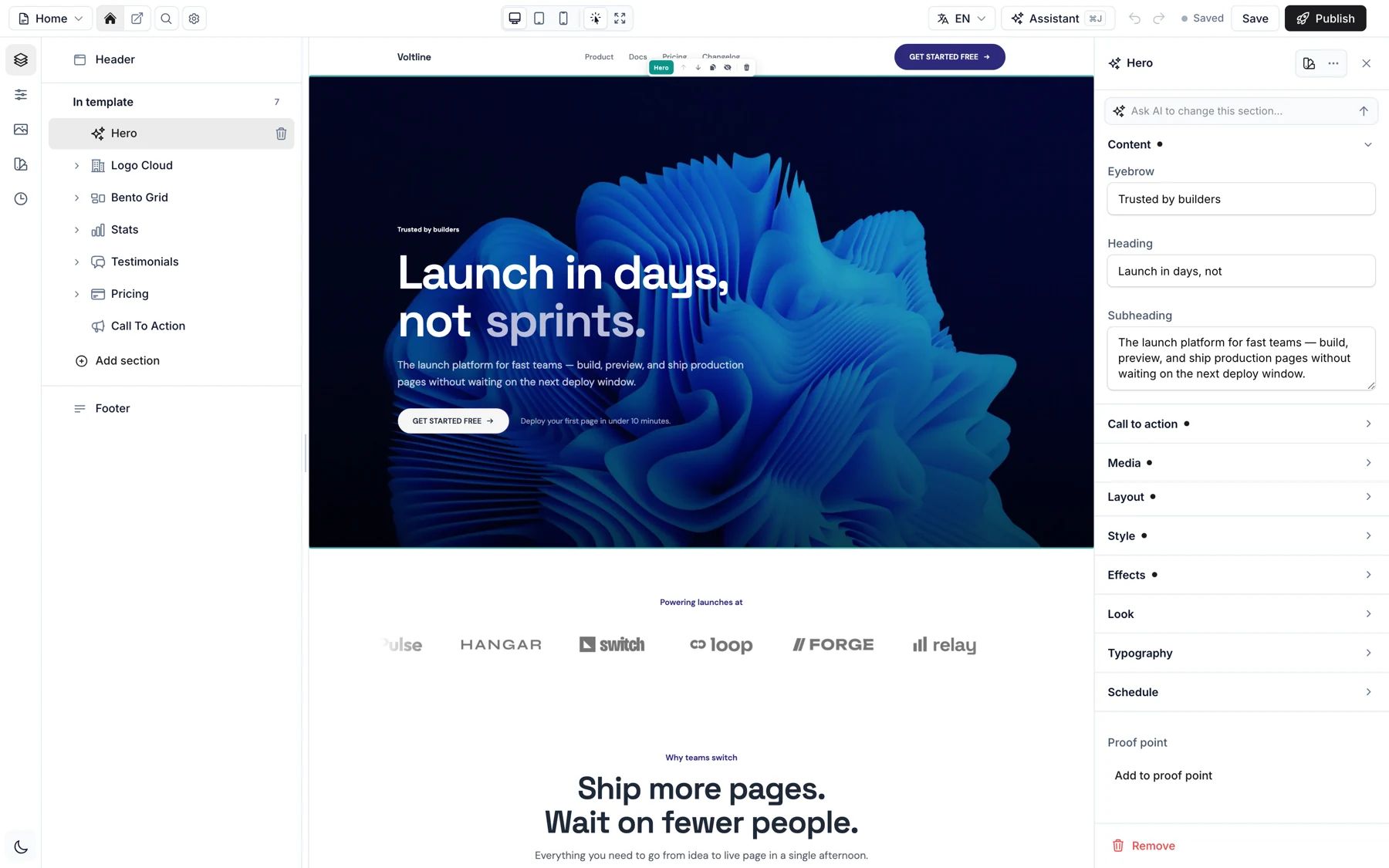
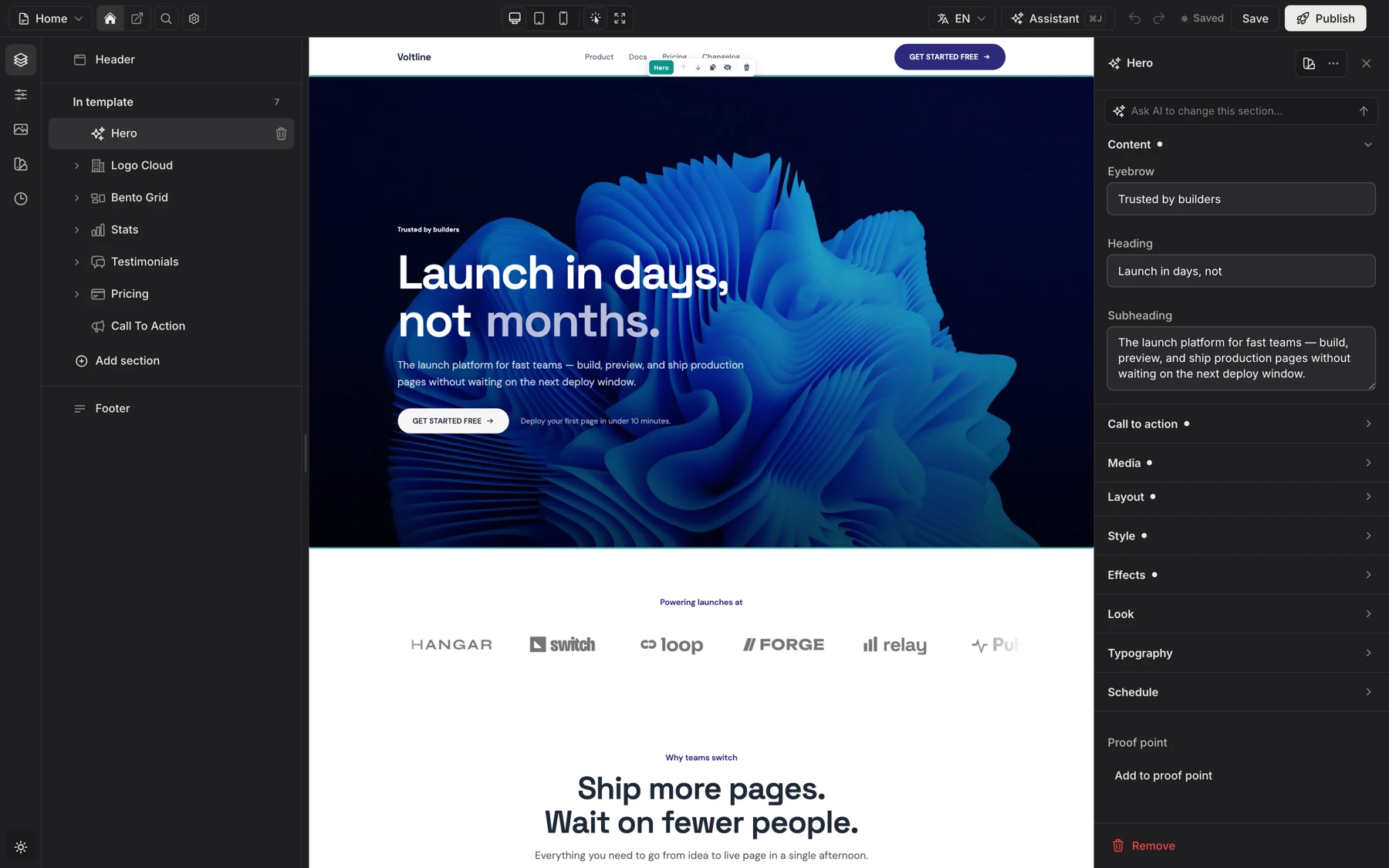
  1. The editor with the Hero section of a coffee roaster selected and its settings panel openThe editor with the Hero section of a coffee roaster selected and its settings panel open

    Click a section. Change anything.

    The canvas is the real storefront renderer. Select a section and every setting it declares is right there: copy, media, layout, effects, even a publishing schedule.
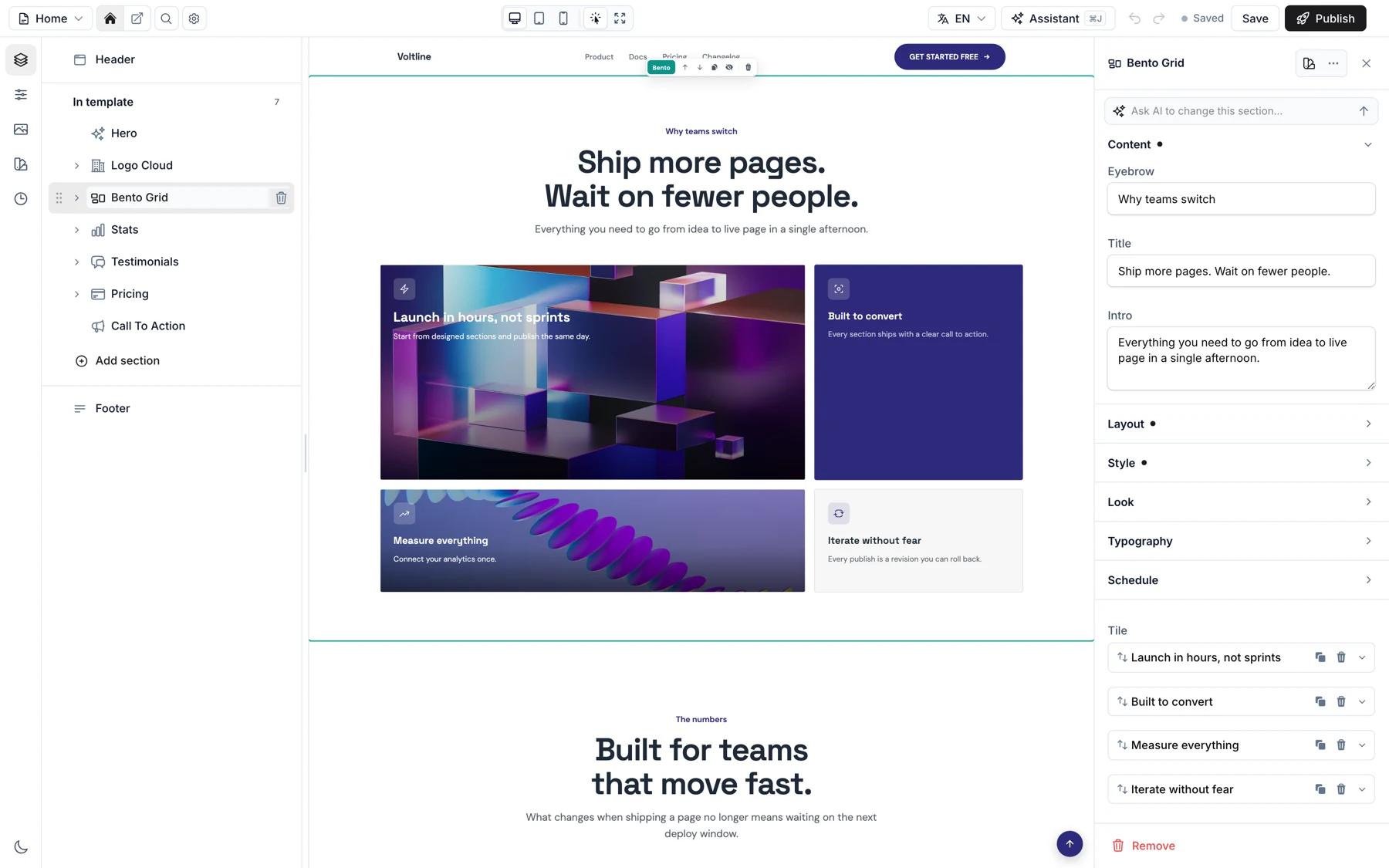
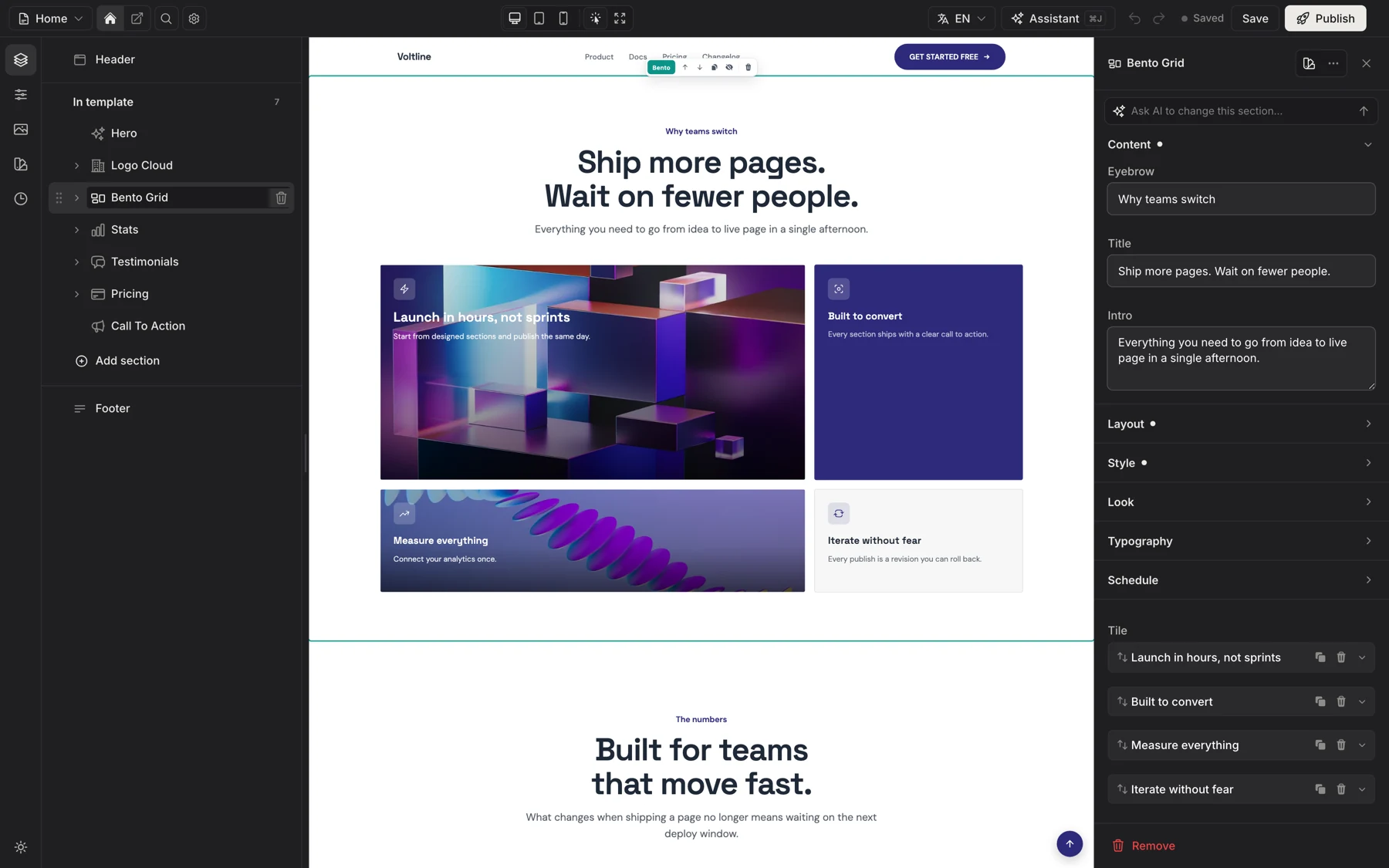
  2. A homewares store in the editor with its bento grid selected and each tile listed as a repeater itemA homewares store in the editor with its bento grid selected and each tile listed as a repeater item

    Cards, tiles and slides are real lists

    Reorder them, duplicate them, swap a photo. The canvas follows as they type, and the tiles of a store bento are as easy as a headline.
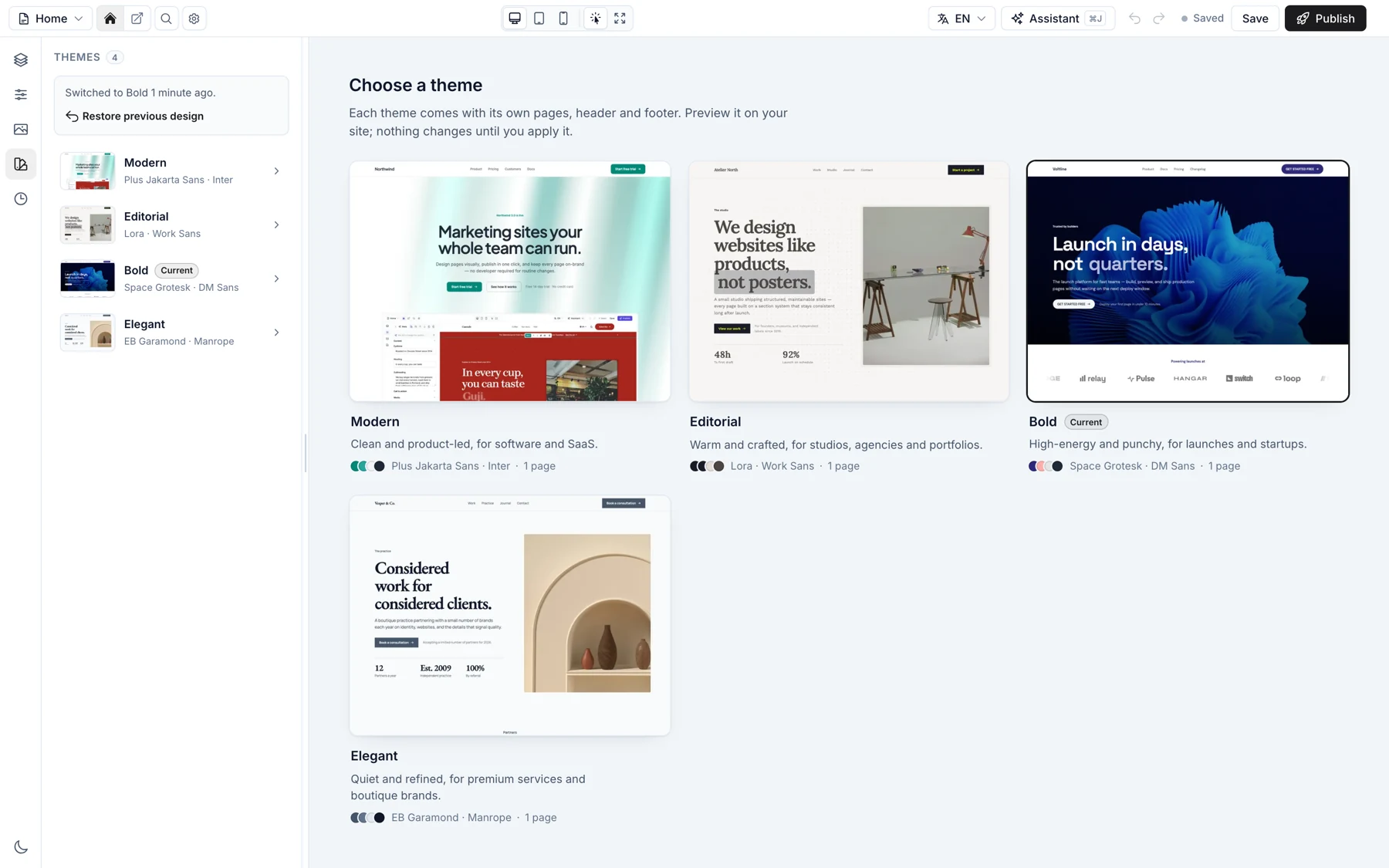
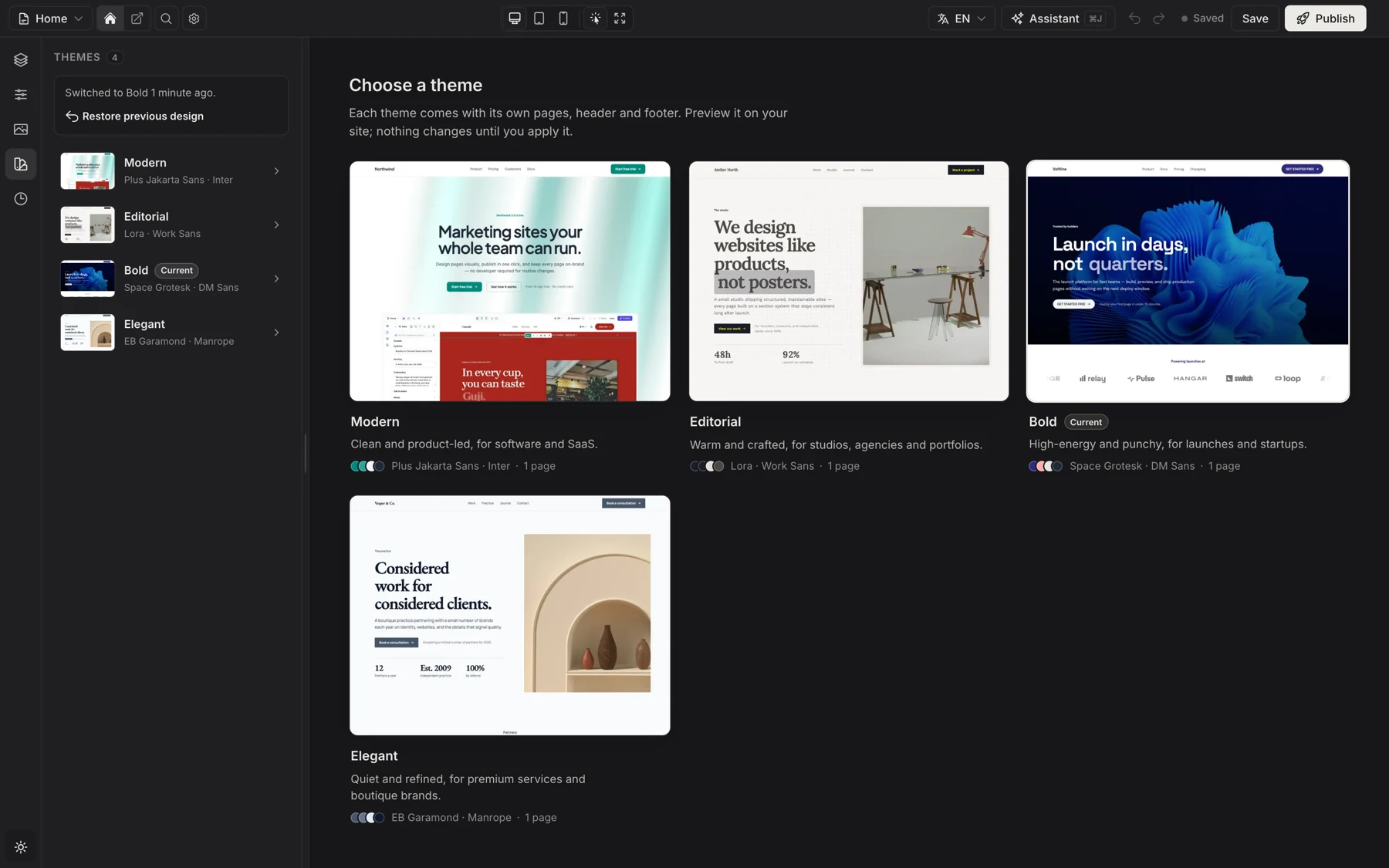
  3. The Elegant theme preset previewed on the canvas with an Apply theme barThe Elegant theme preset previewed on the canvas with an Apply theme bar

    Try a new look without the risk

    Preview any theme preset on the real site, apply the full theme or only its style, and undo it from the same panel.
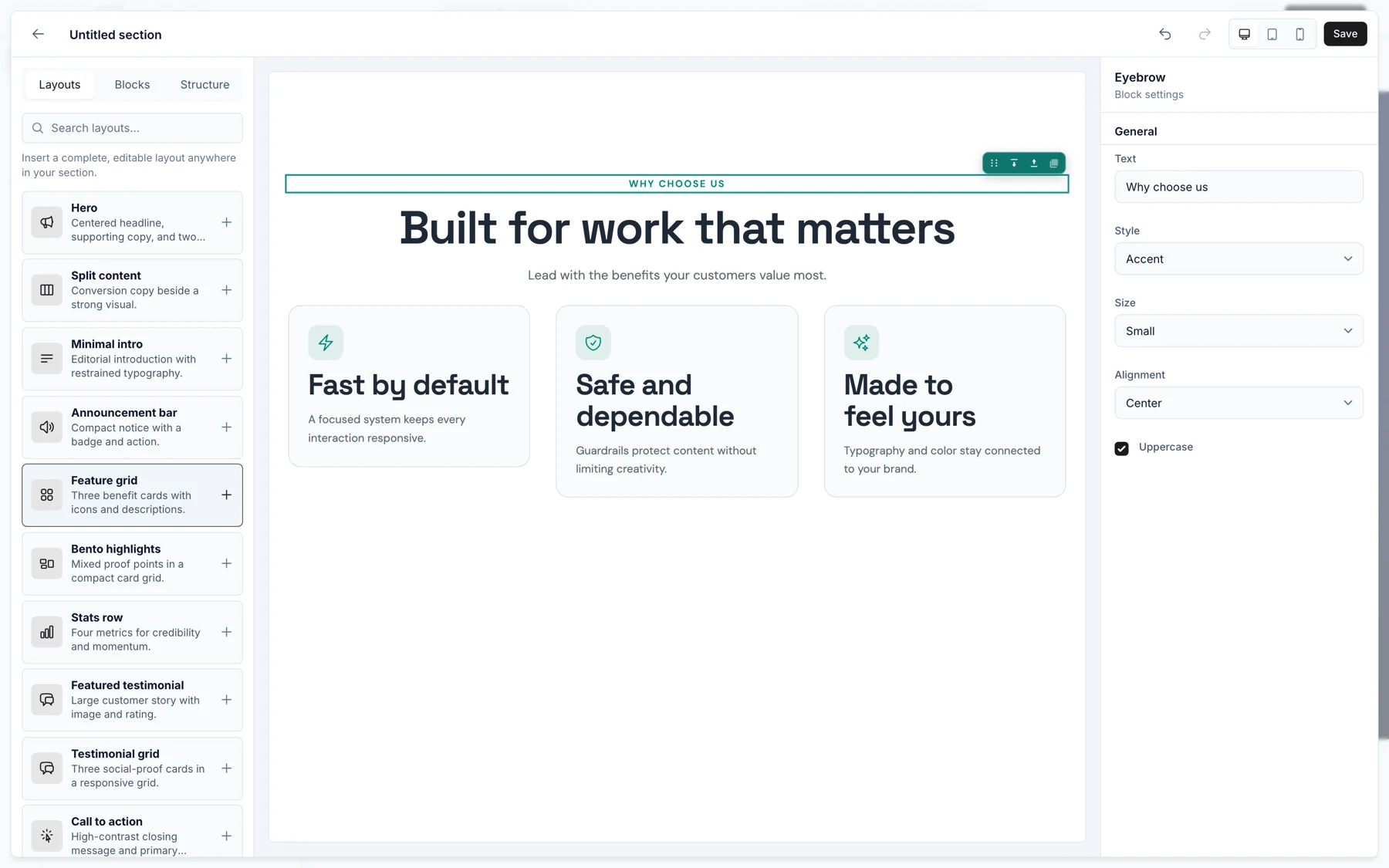
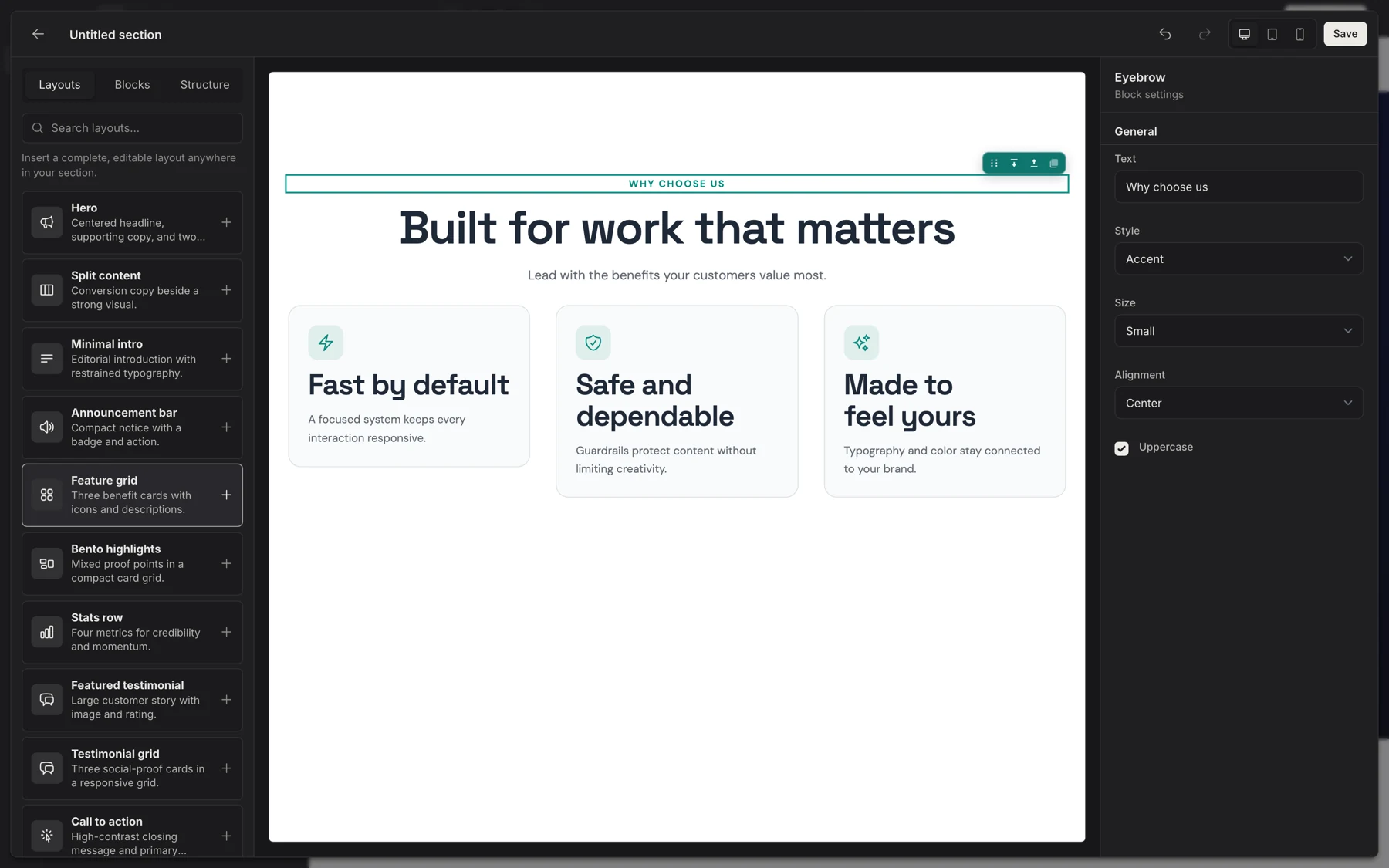
  4. The section builder with a split layout and stats row on the canvas and a palette of blocksThe section builder with a split layout and stats row on the canvas and a palette of blocks

    Build the section nobody shipped

    Start from a layout or drop in blocks: headings, buttons, prices, ratings, video. Saved sections join the catalog for every page.
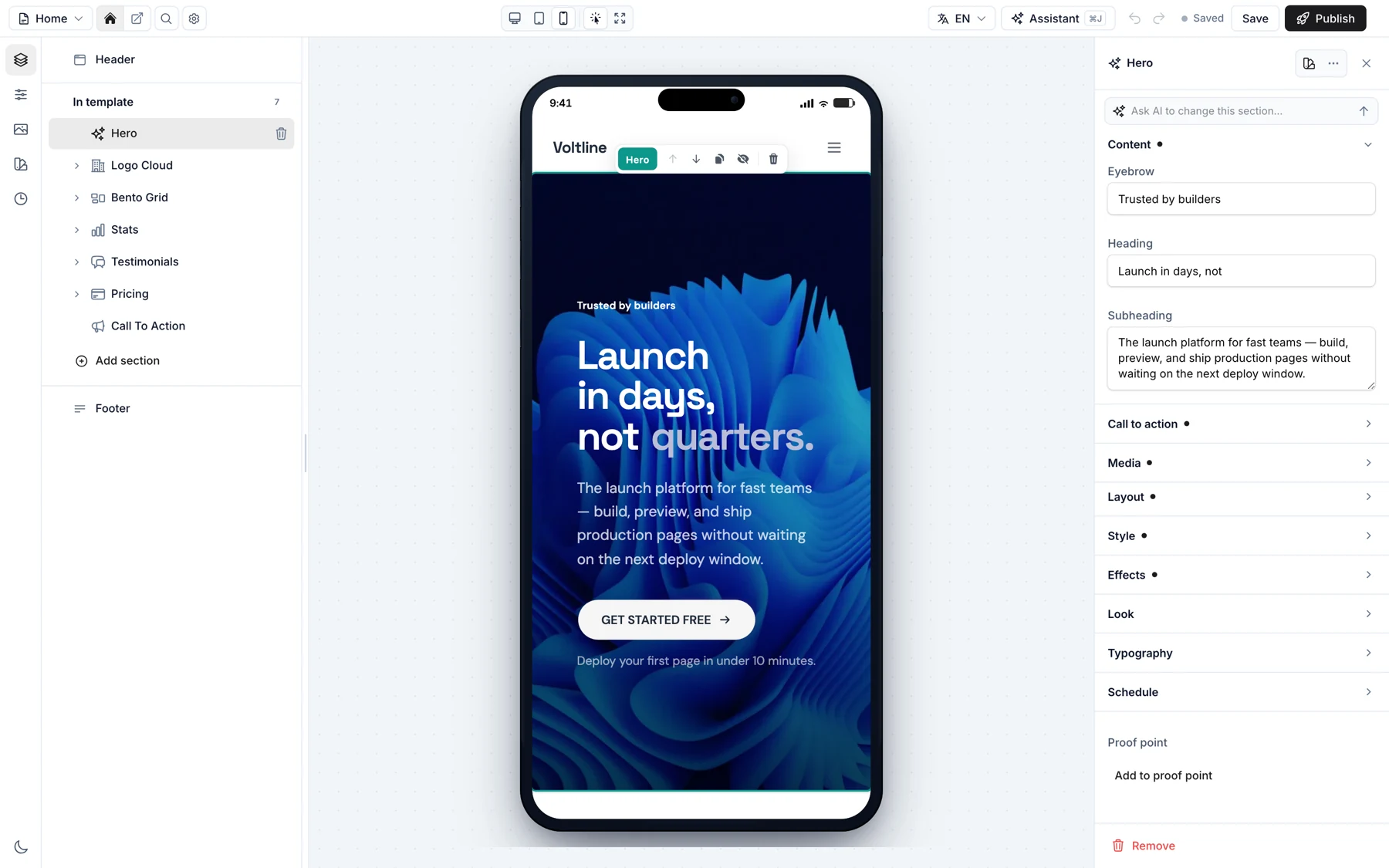
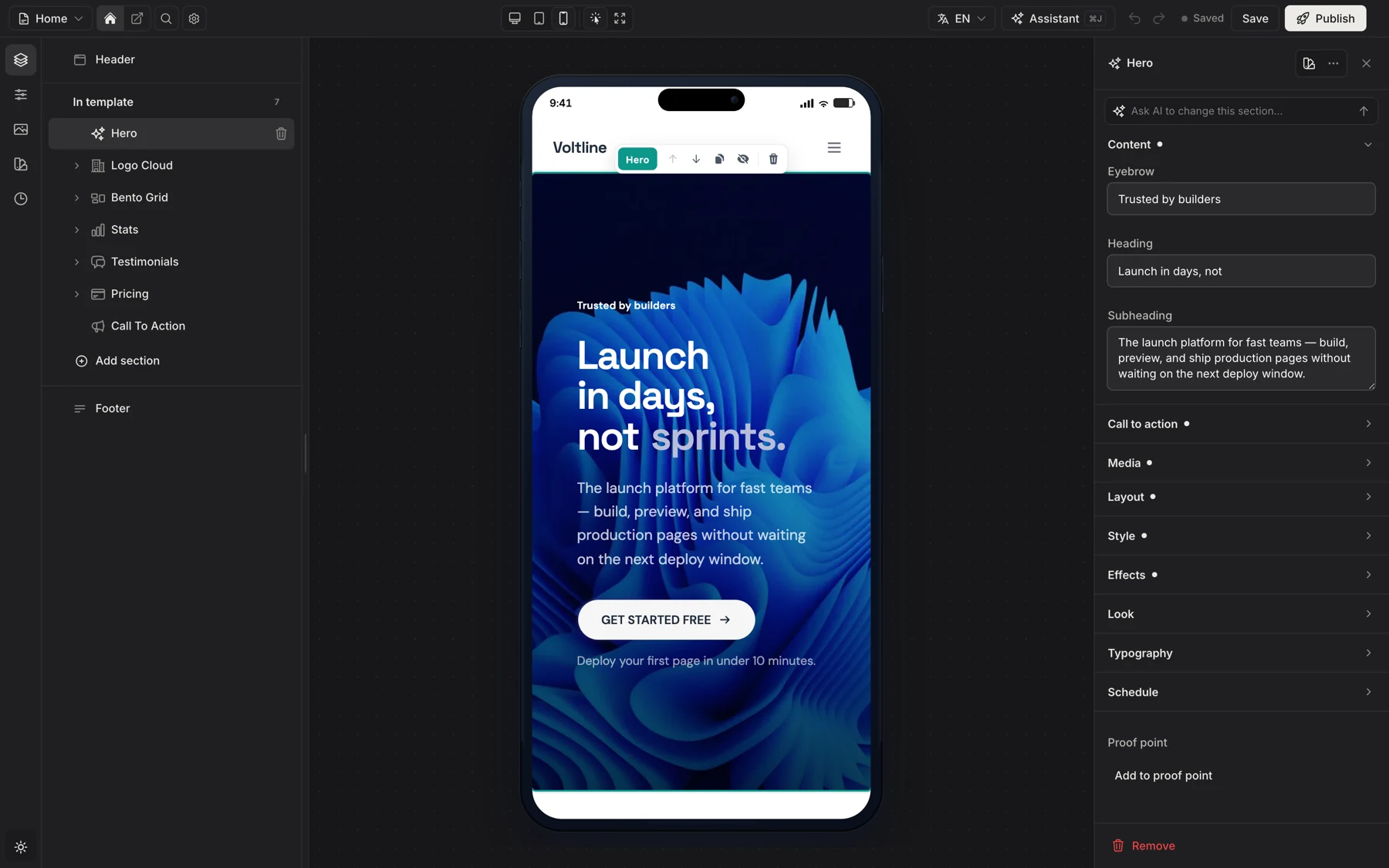
  5. The coffee roaster homepage previewed inside a phone frameThe coffee roaster homepage previewed inside a phone frame

    Check the phone before it ships

    Desktop, tablet and phone previews reflow the real page, so nobody finds a broken layout from a customer.
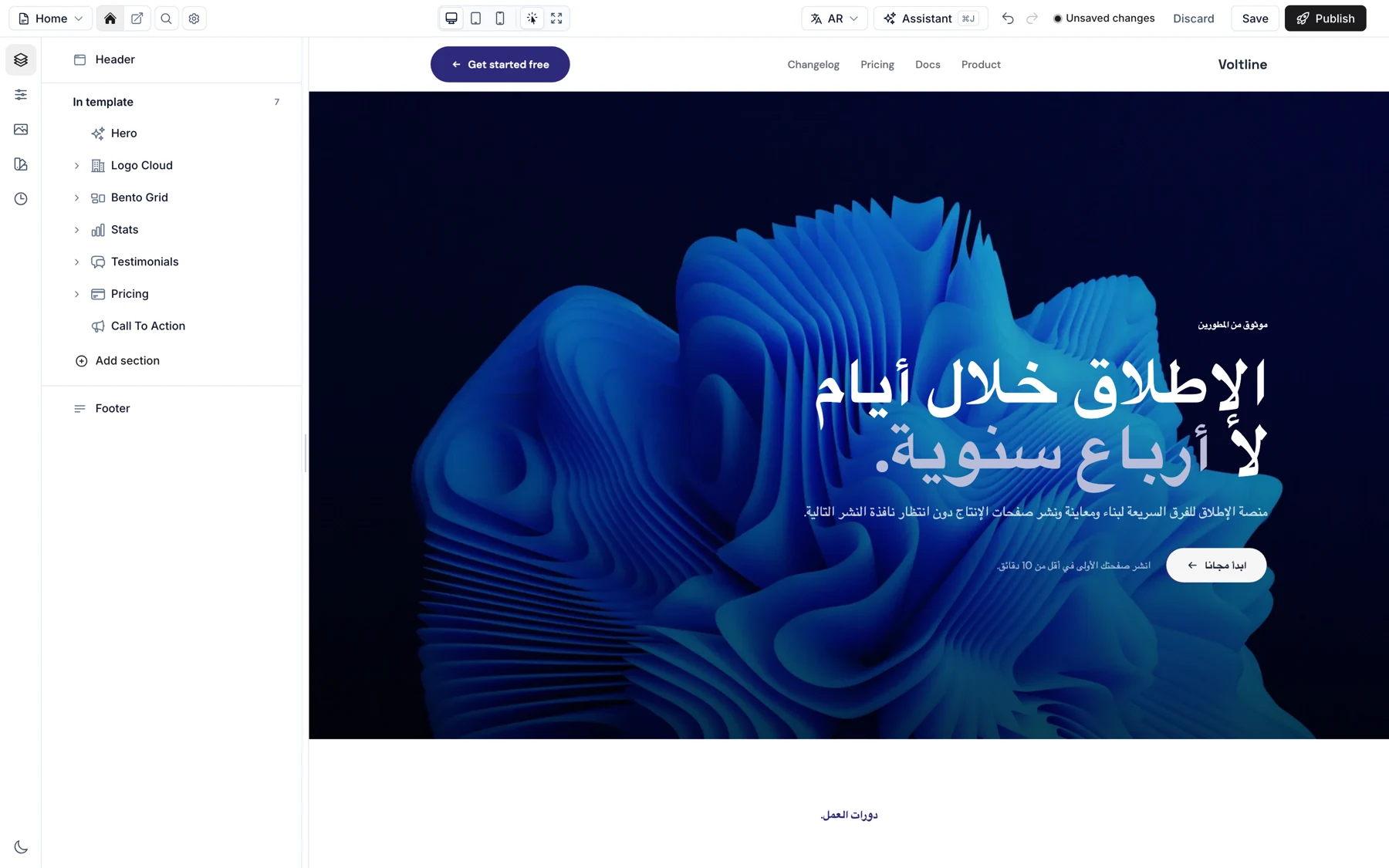
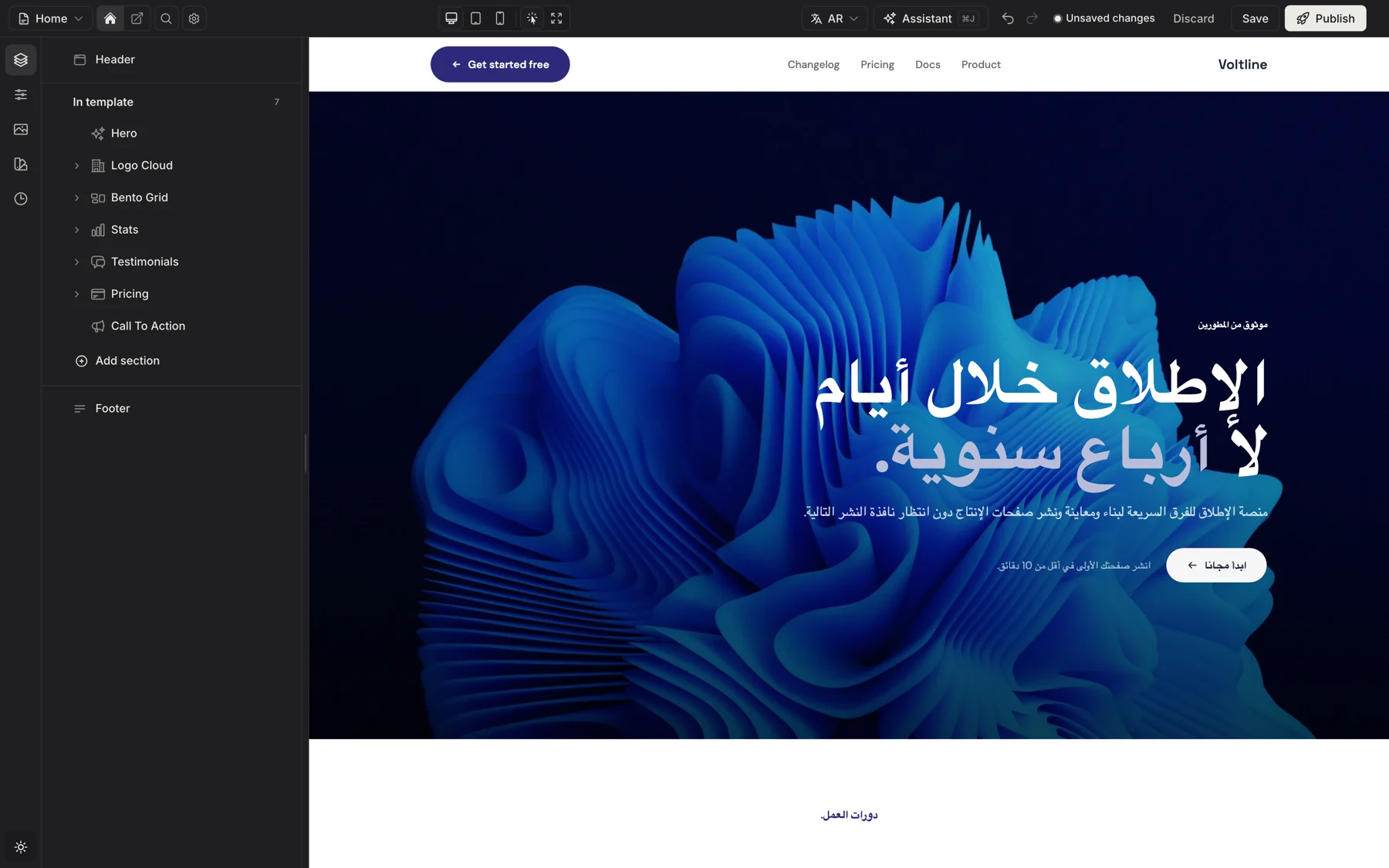
  6. The same homepage in Arabic, laid out right to left, with the language menu openThe same homepage in Arabic, laid out right to left, with the language menu open

    Every language, right to left too

    Switch the editing language and the canvas switches with it. Each page tracks what is translated, and Arabic lays out right to left.

Watch the full tour 1:44, recorded in the real editor

For the client who never writes a word.

Two sentences about the business is enough. The built-in assistant plans the pages, picks the colors and fonts, and writes every section. All of it lands in the draft, where one undo takes it back.
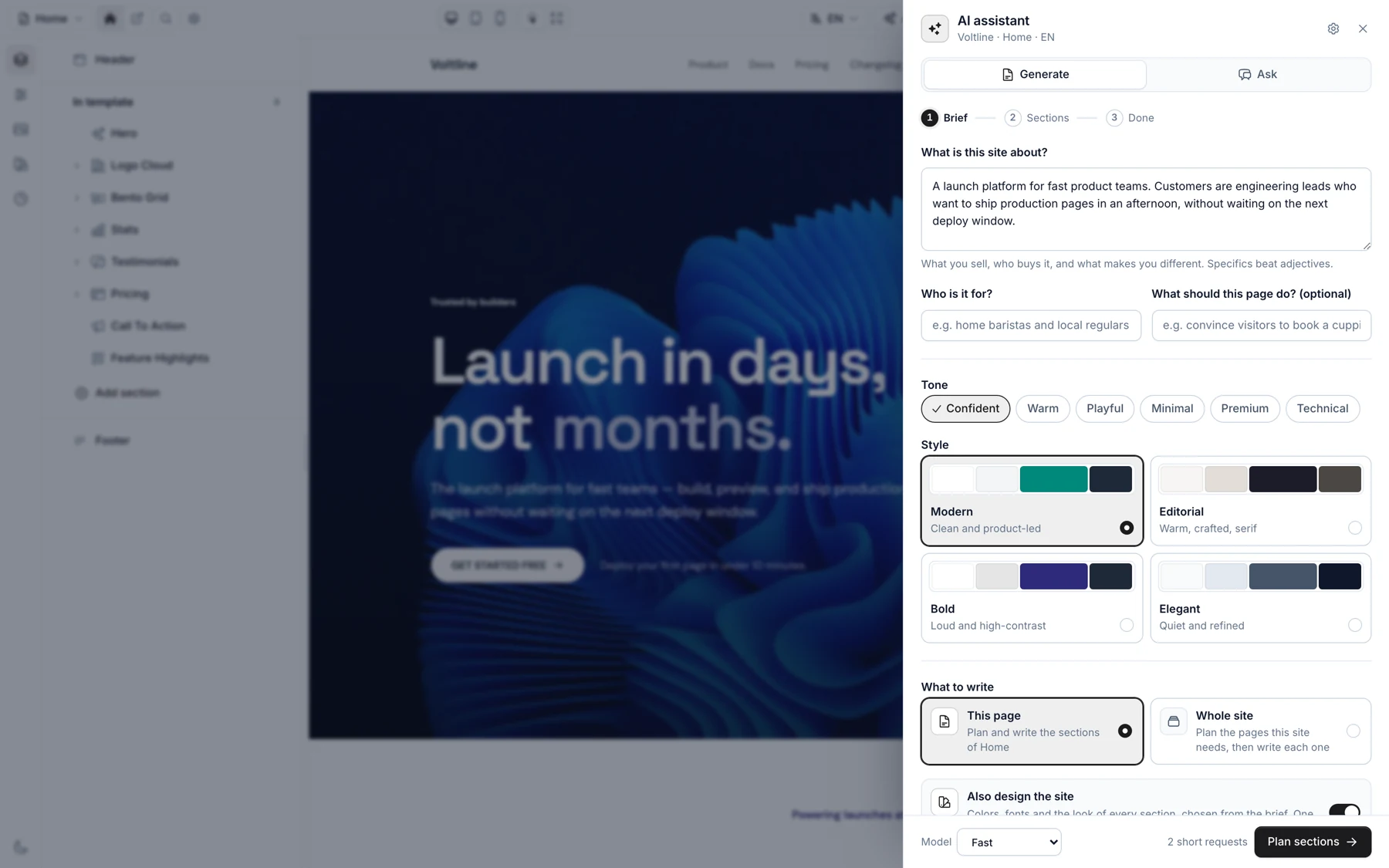
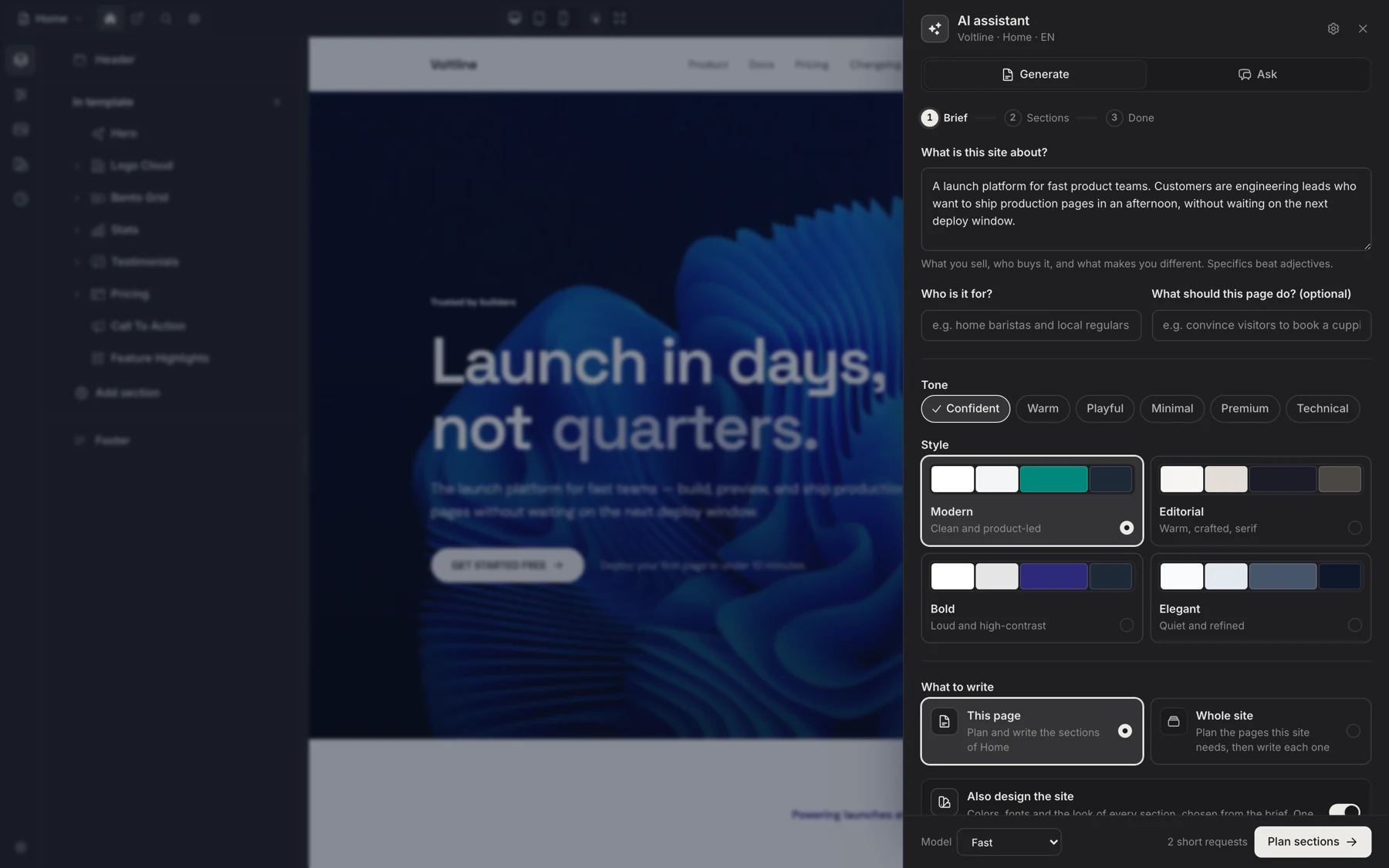
The assistant open beside the canvas: a coffee roaster description, audience, tone chips, four style families and a Whole site optionThe assistant open beside the canvas: a coffee roaster description, audience, tone chips, four style families and a Whole site option
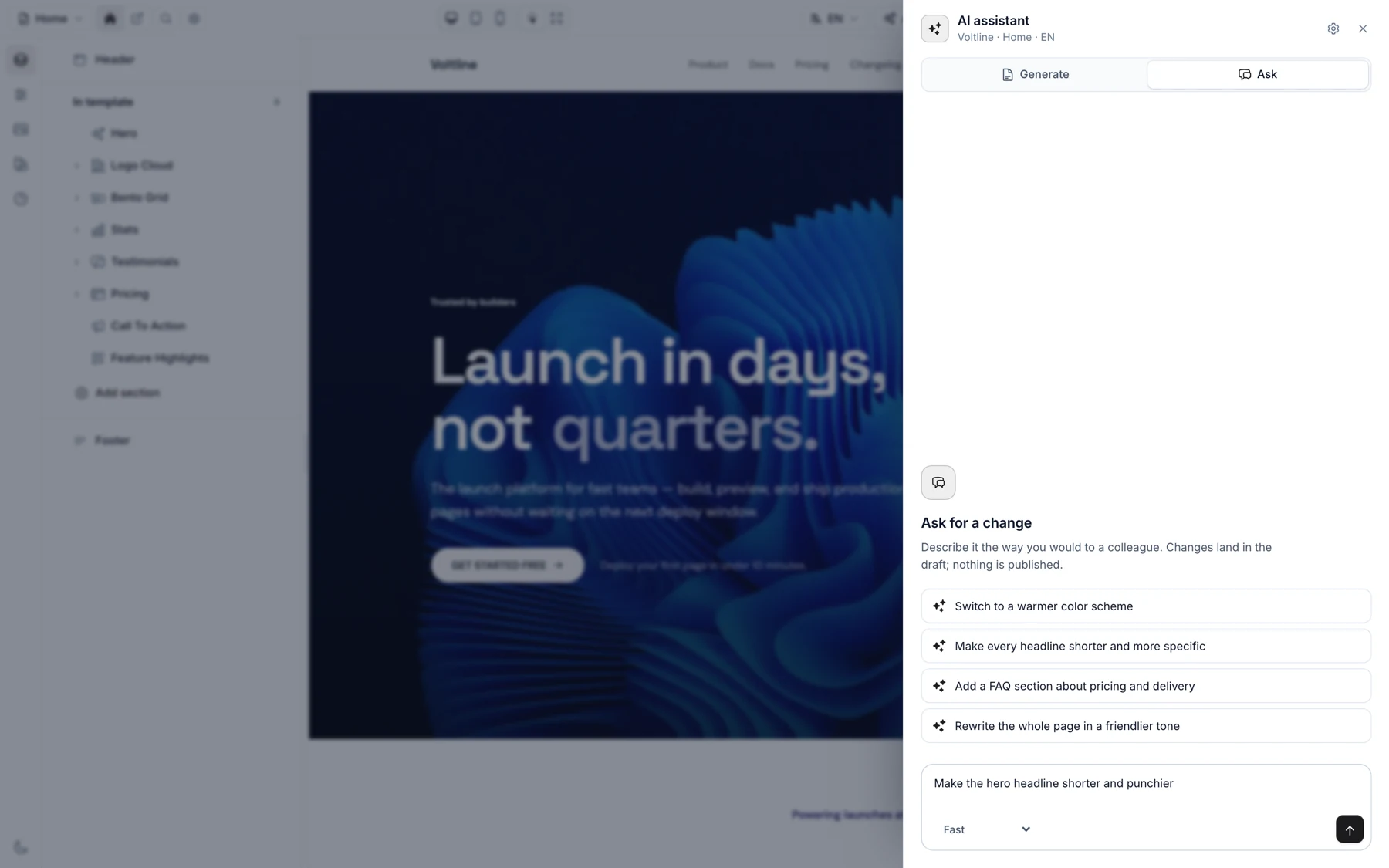
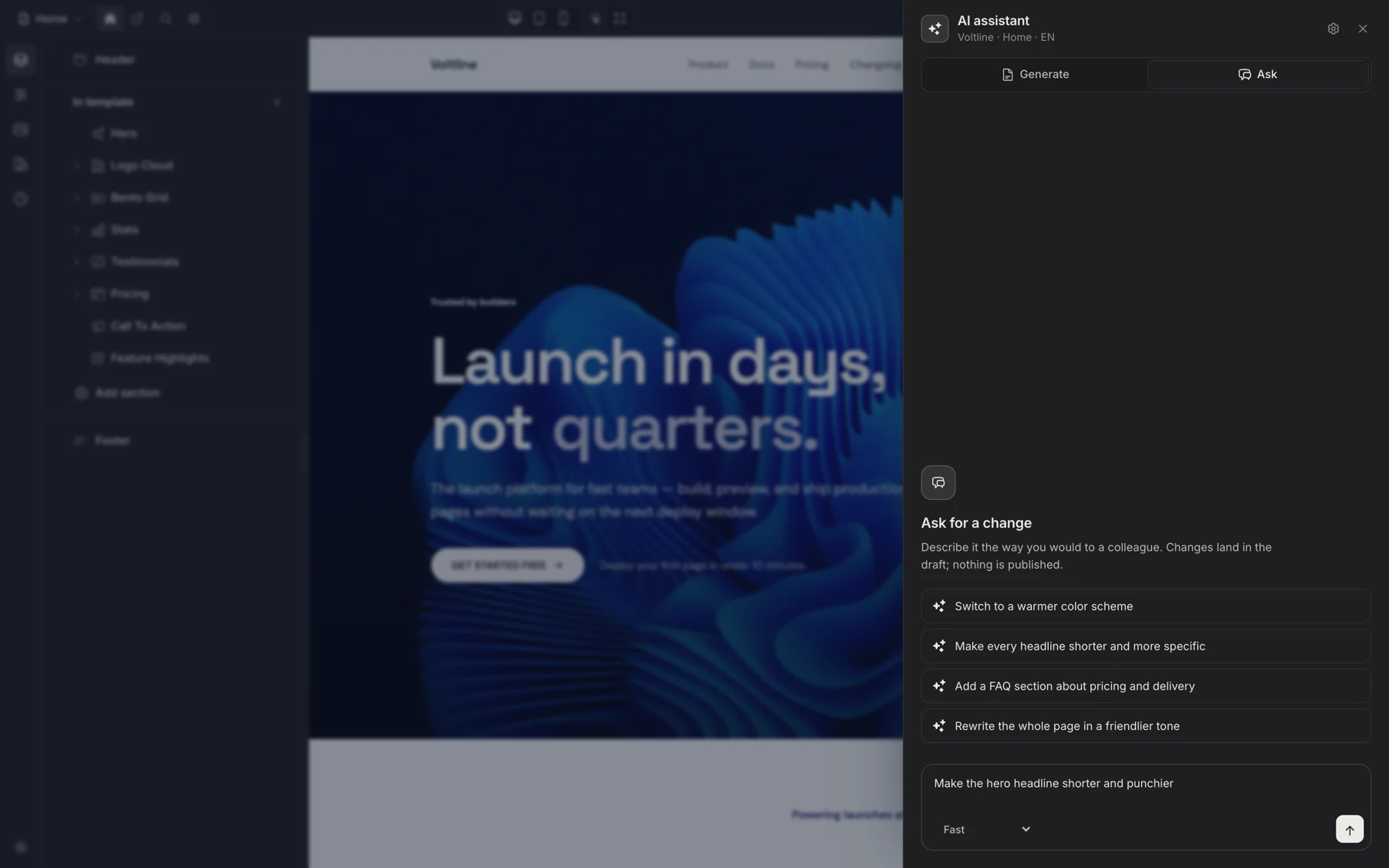
The Ask tab with suggested requests and a request to write the French version of the pageThe Ask tab with suggested requests and a request to write the French version of the page
A whole site from a brief
It plans the pages the business needs, then writes each one with real copy, sized to the sections it picked.
The design comes with it
A palette, a font pairing and the look of every section, chosen from the brief. One switch skips it and keeps the current look.
Edits in plain words
“Make the hero warmer.” “Add a FAQ about delivery.” Every change is a row they can click, and one button undoes the lot.
Every language it can write
It writes in the language being edited, Arabic included. Switch to French and ask for the French page.
  • Write the French version of this page
  • Make every headline shorter
  • Add a FAQ about delivery
  • Switch to a warmer palette
  • Rewrite the hero for wholesale buyers

Optional, and your own key: it runs on Laravel's official laravel/ai package, Gemini by default, and a page costs a couple of short requests. How the assistant works

For you, it is just Laravel.

Composer package, migrations, a Filament plugin and PHP classes. No separate CMS to host, no second admin to secure, nothing that phones home.

Sections are PHP classes
Declare settings once. Blade renders them; the editor builds the form.
Tenancy without a package
Sites belong to any model through a polymorphic owner. Bring stancl, spatie or Filament tenancy, or none.
Server-rendered storefront
Plain Blade on the public site, no editor JavaScript, per-page SEO and JSON-LD built in.
Commerce from your tables
One small Storefront contract feeds product grids, cart and checkout from your own models.
Install
$ composer config repositories.filamentcraft composer https://packages.filamentcraft.dev$ composer config http-basic.packages.filamentcraft.dev YOUR_EMAIL YOUR_LICENSE_KEY$ composer require filamentcraft/filamentcraft$ php artisan filamentcraft:install
php artisan filamentcraft:doctor
  • OKEnvironmentLaravel 12 · Filament 4 · Livewire 3
  • OKDatabase6 tables, migrations current
  • OKPanelPlugin registered on admin
  • OKConfiguration31 keys typed
  • OKThemes4 presets valid
  • OKSections38 built-in · 3 custom
  • OKSEOSitemap, robots, llms.txt
  • OKAssetsPublished and current
  • OKLicenseStudio tier

9 groups passed. A failed check prints its fix underneath.

No Filament admin? Keep your own UI.

Your React, Vue or Livewire app keeps its sign-up, teams and settings. FilamentCraft adds only the editor, full screen, and its All pages link brings users back to your app. They never see a Filament screen. React, Vue & Livewire guide

React starter kit ↗
Laravel's React starter kit with teams: Inertia, shadcn/ui, a Website page and an Inbox in React.
Vue starter kit ↗
Laravel's Vue starter kit with teams: Inertia, shadcn-vue, the same pages written in Vue.
Livewire starter kit ↗
Laravel's Livewire starter kit with teams: Flux UI and single-file Livewire pages.
Add it to a Laravel starter kit
$ composer require filamentcraft/filamentcraft$ php artisan filamentcraft:install --standalone

It writes an editor-only panel. Add --owner="App\Models\Team" when each team owns a site, and filamentcraft:uninstall removes it all again. All starter kits

One codebase. Every tenant gets a website.

Each team, store or merchant owns its own pages, theme, domain and languages. Your panel scopes them like any other resource. How tenancy works

Buy it once.

A perpetual license. If you never renew, your sites keep running on the last version you downloaded, with no watermark and nothing switched off.

Single project

$49

  • One production project
  • All 38 sections + custom sections
  • Multi-tenant, theming, public routing
  • 12 months of updates, renew for $29/yr

Studio

$149

  • Up to 5 production projects
  • Everything in Single
  • For small studios shipping client sites
  • 24 months of updates, renew for $79

Platform

$799

  • Unlimited projects and tenants
  • Everything in Agency
  • For self-serve SaaS platforms
  • Lifetime updates, priority support

One-time payment. Project counts are license terms, not a technical lock: the package never contacts a server. Prices exclude VAT or sales tax, which Paddle, our merchant of record, adds where required. 14-day money-back guarantee. Full pricing and license terms · Refund Policy · Terms · Privacy

Before you ask.

Does it work with my tenancy setup?

Sites belong to any model through a polymorphic owner, so it works with stancl/tenancy, spatie/laravel-multitenancy, Filament tenancy or a plain single-site app. FilamentCraft never requires a tenancy package.

Do my users need to know any code?

No. They edit copy, images, colors, fonts, languages and SEO in a visual editor inside your Filament panel, and can even compose new section types from a block palette. You only write PHP when you want a section of your own.

Is the public site fast and indexable?

Pages are server-rendered Blade with no editor JavaScript on the storefront. Per-page SEO, sitemap, hreflang, JSON-LD, llms.txt and IndexNow ship in the box.

What happens if I stop renewing?

Nothing breaks. The license is perpetual: your sites keep running on the last version you downloaded, with no watermark and no feature loss. Renewing only buys another window of new releases.

Can I try it before buying?

Yes. The live demo drops you straight into the editor on a real site with no signup, and the three starter kits are open source. Every purchase also has a 14-day money-back guarantee.