
Appearance
Starter Kits
Complete Laravel 13 apps with real content and a test suite. Each is a public repository you clone and own. Pick the one closest to what you are building and change it until it is yours.
- Filament apps: an admin panel built with Filament, with FilamentCraft inside it.
- Apps with your own UI: Laravel's official React, Vue and Livewire starter kits, where FilamentCraft adds only the visual editor. Jump to them.
Filament apps
| Kit | Shape | Sample content | Tenancy |
|---|---|---|---|
| starter-site | Company website | Northbay Joinery, a workshop in Leith | One site |
| starter-store | Online shop | Kiln Street, a pottery in Bristol | One store |
| starter-multistore | Store platform | Stallhouse, with a tea shop and a plant shop | One store per merchant |
Install
You need PHP 8.3+, Composer 2 and a FilamentCraft license. No Node, no build step.
bash
git clone https://github.com/filamentcraft/starter-store my-shop
cd my-shop
composer setup
composer setup asks for your license email and key, checks them against packages.filamentcraft.dev, installs the dependencies, creates a SQLite database, seeds the content and prints where to sign in. Then run composer dev and open http://localhost:8000. Every kit signs in as [email protected] with the password password.
Setup never prompts when it finds credentials already: COMPOSER_AUTH, an auth.json, your global Composer credentials, or FILAMENTCRAFT_EMAIL and FILAMENTCRAFT_KEY in the environment. That makes it safe to run on servers and in CI.
Company site
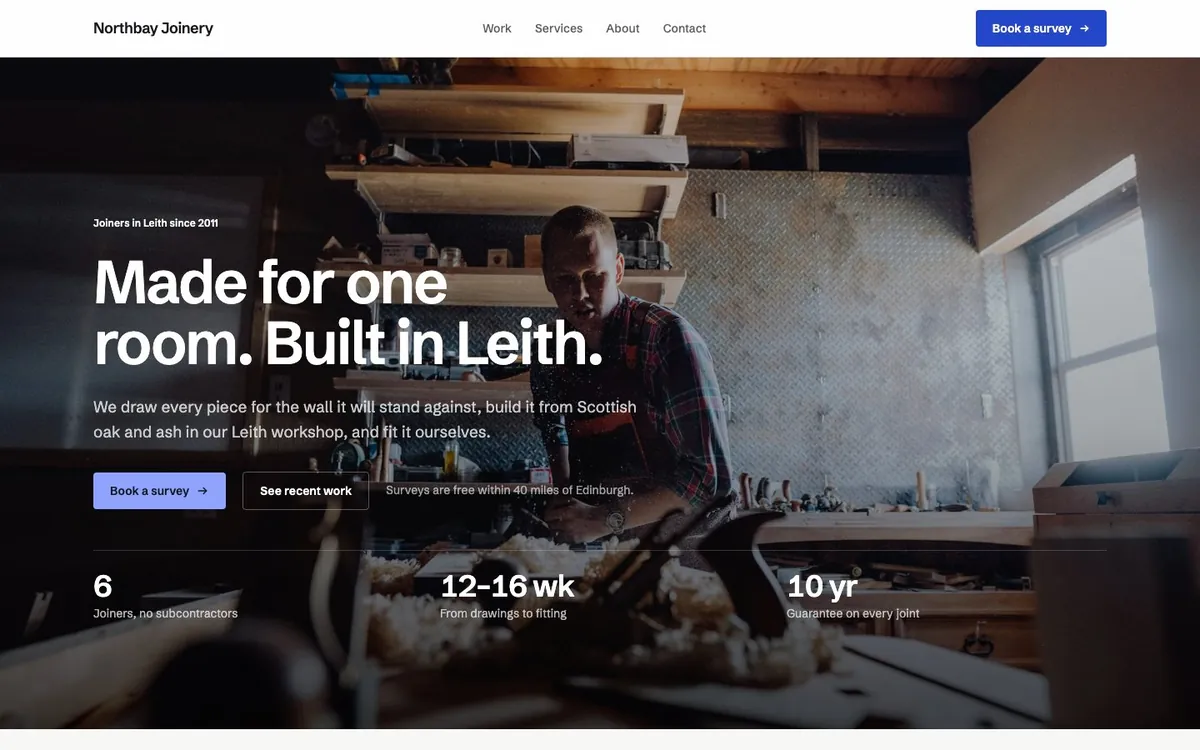
A single-site install with public_routes on, so FilamentCraft serves every page from /.
- Five pages: home, work, services with pricing, about and contact.
- Header, footer and three color schemes set up as a coherent theme.
- A contact form whose messages land in the panel's Inbox.
- 21 photographs registered in the media library with alt text.
- Per-page SEO descriptions and a social card image.
- A dashboard listing every page with shortcuts into the editor.
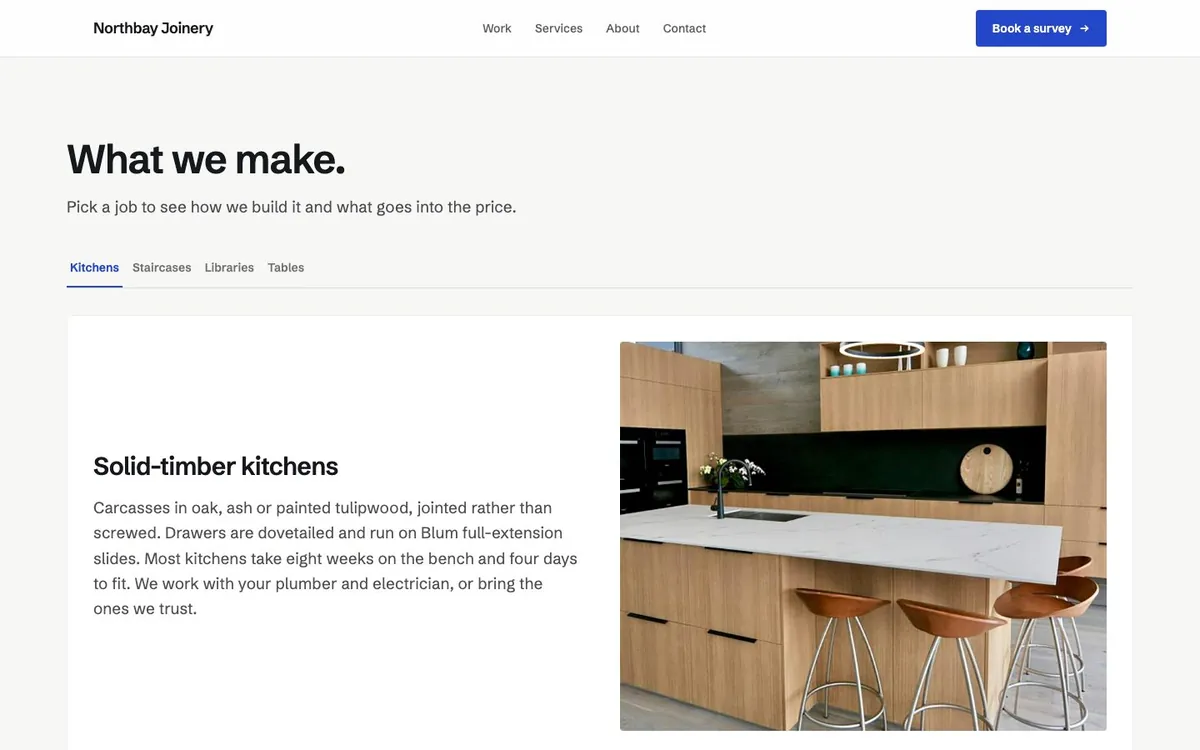
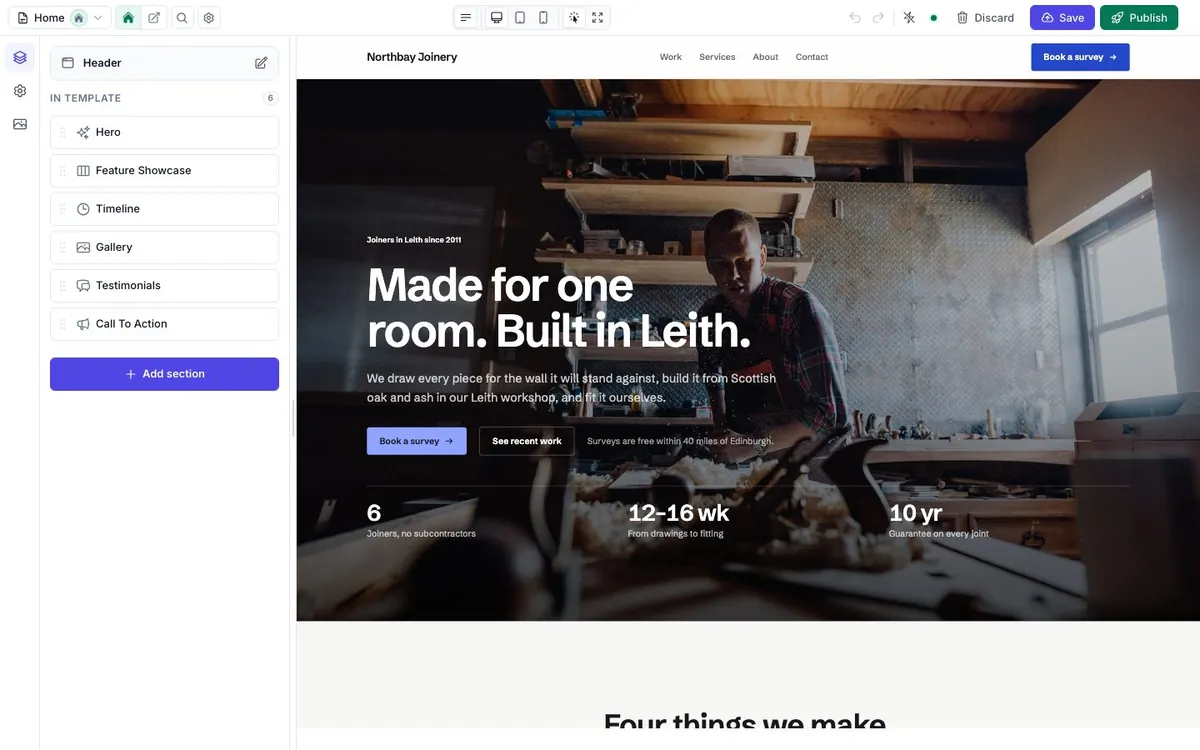
The content is seeded from app/Blueprints, one class per page. After the first seed it lives in the database and is edited in the visual editor.
Online shop
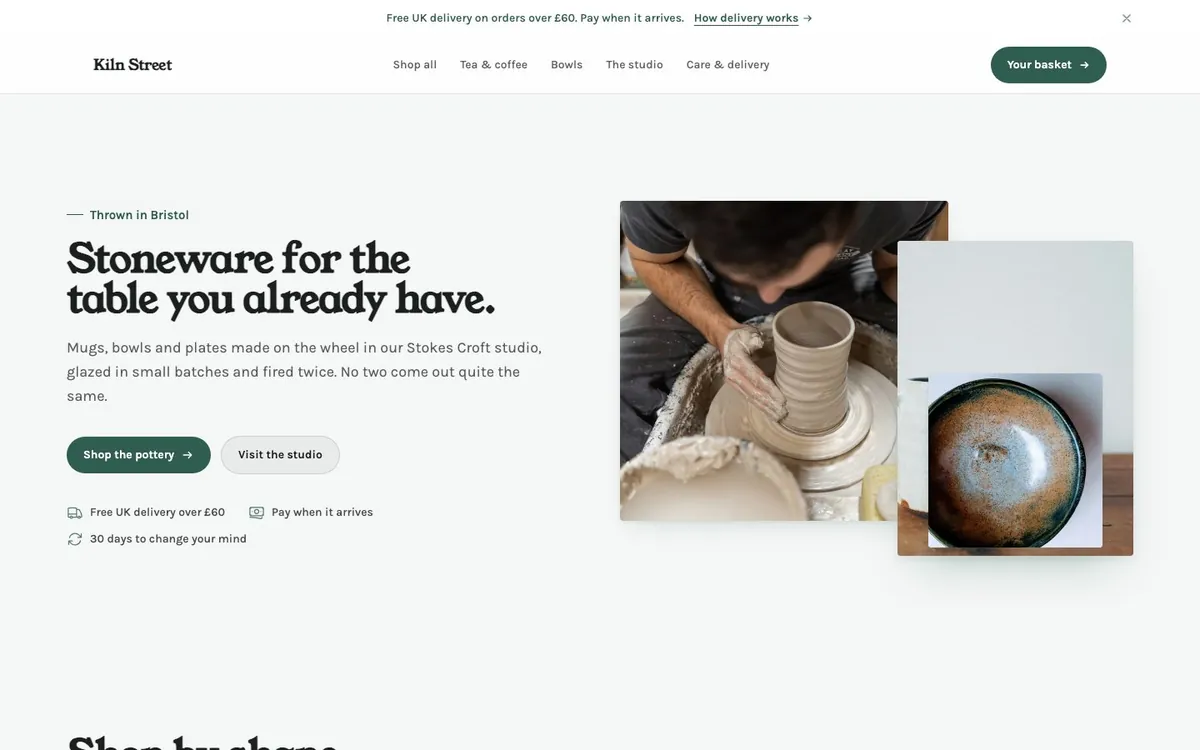
A single store wired to FilamentCraft's commerce sections through a Storefront implementation backed by ordinary Eloquent models.
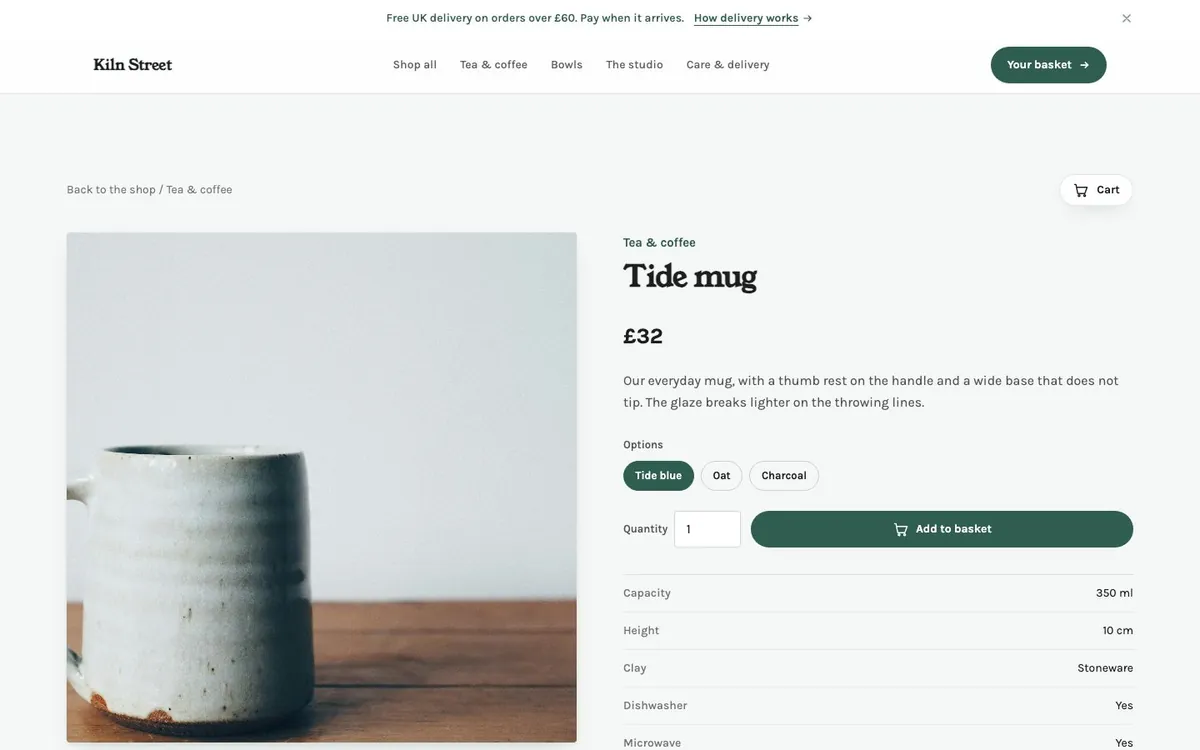
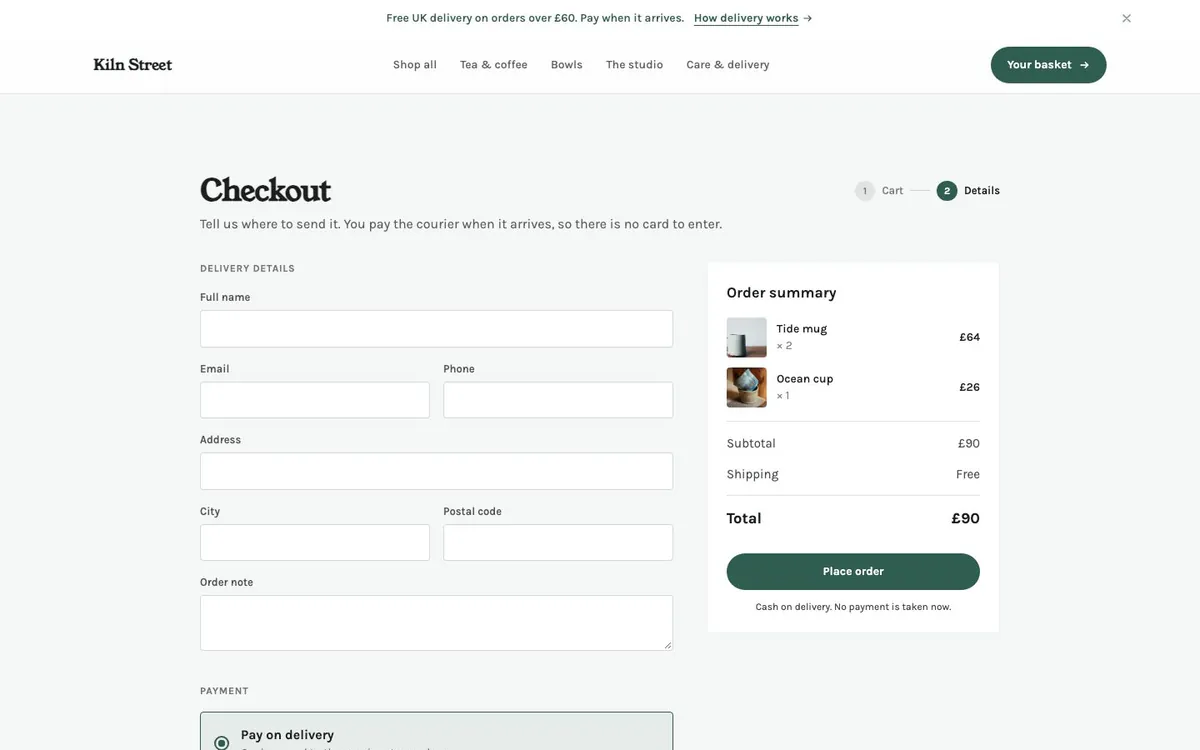
- 19 products in four categories, with photos, options, spec tables, sale prices and a sold-out item.
- Shop, product, basket and checkout pages. The product page is one dynamic template that serves
/products/{slug}. - Cash-on-delivery checkout that locks stock, creates the order and emails the customer.
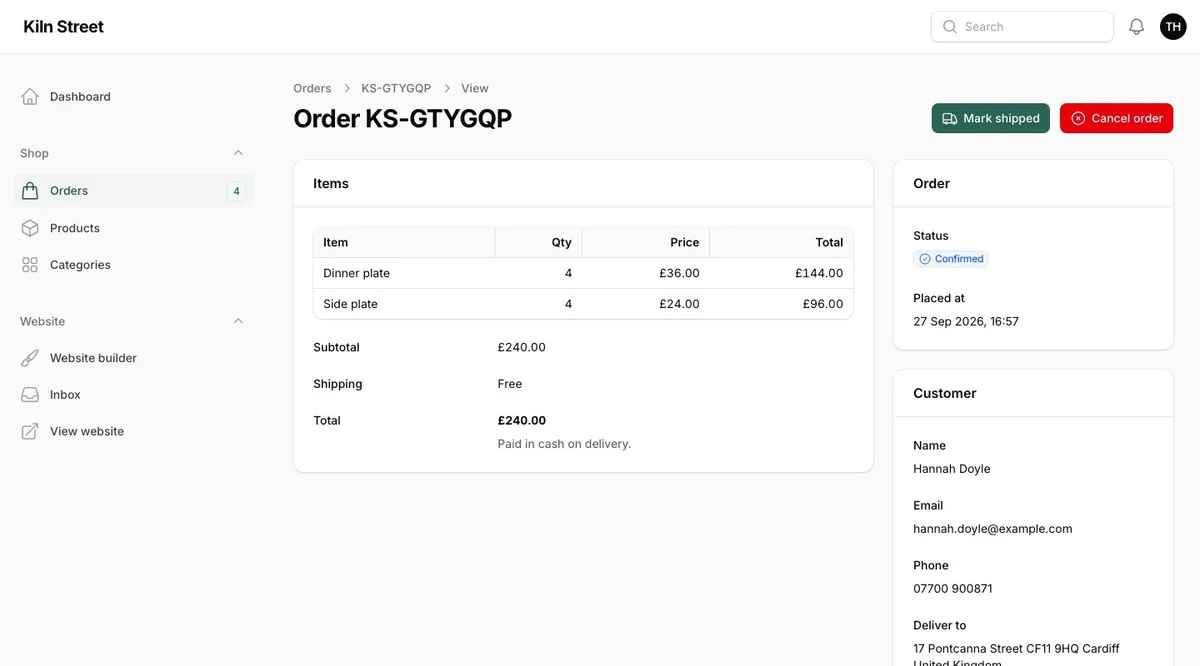
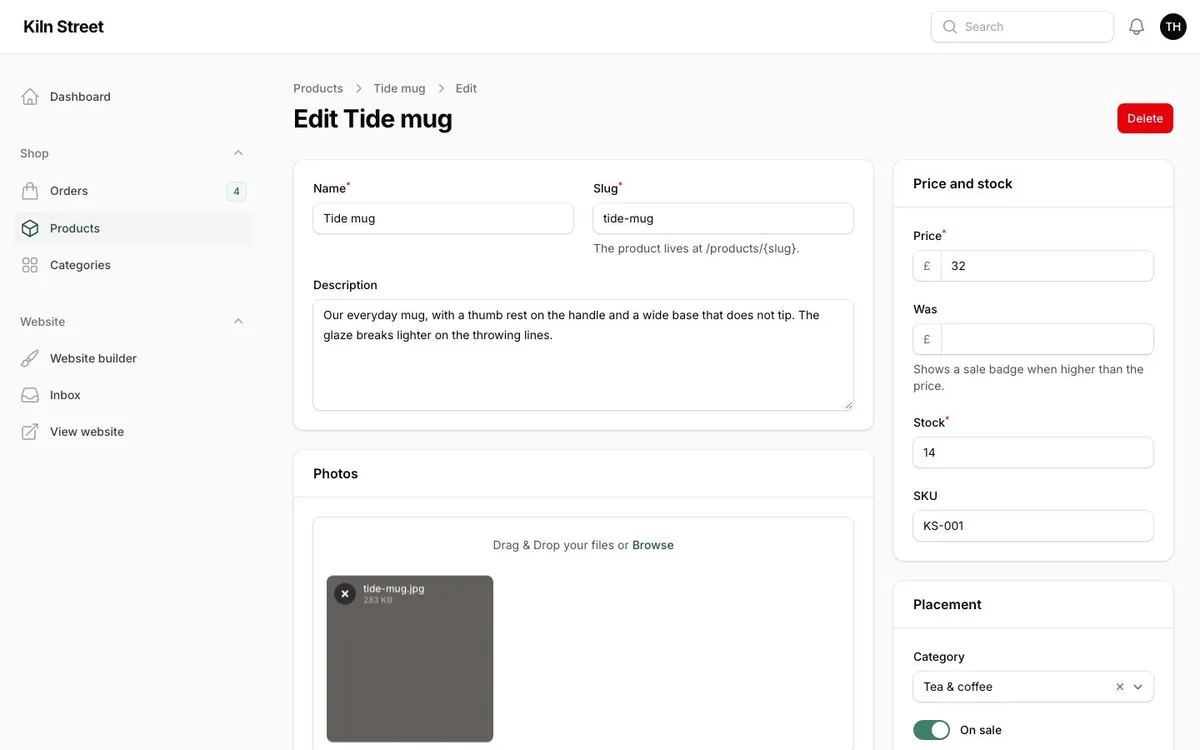
- Filament resources for products, categories and orders. Orders move through confirm, ship and deliver; cancelling restocks. New orders ring the panel's notification bell.
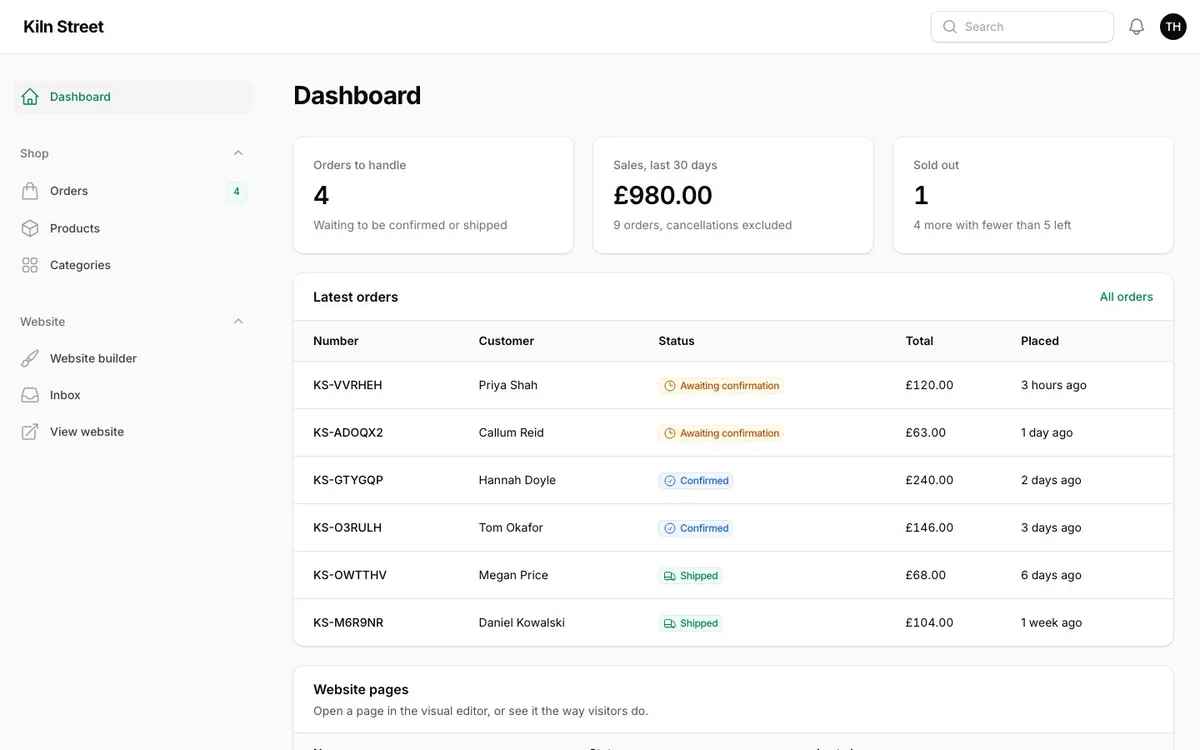
- A dashboard with orders to handle, 30-day sales and stock alerts.
Store platform
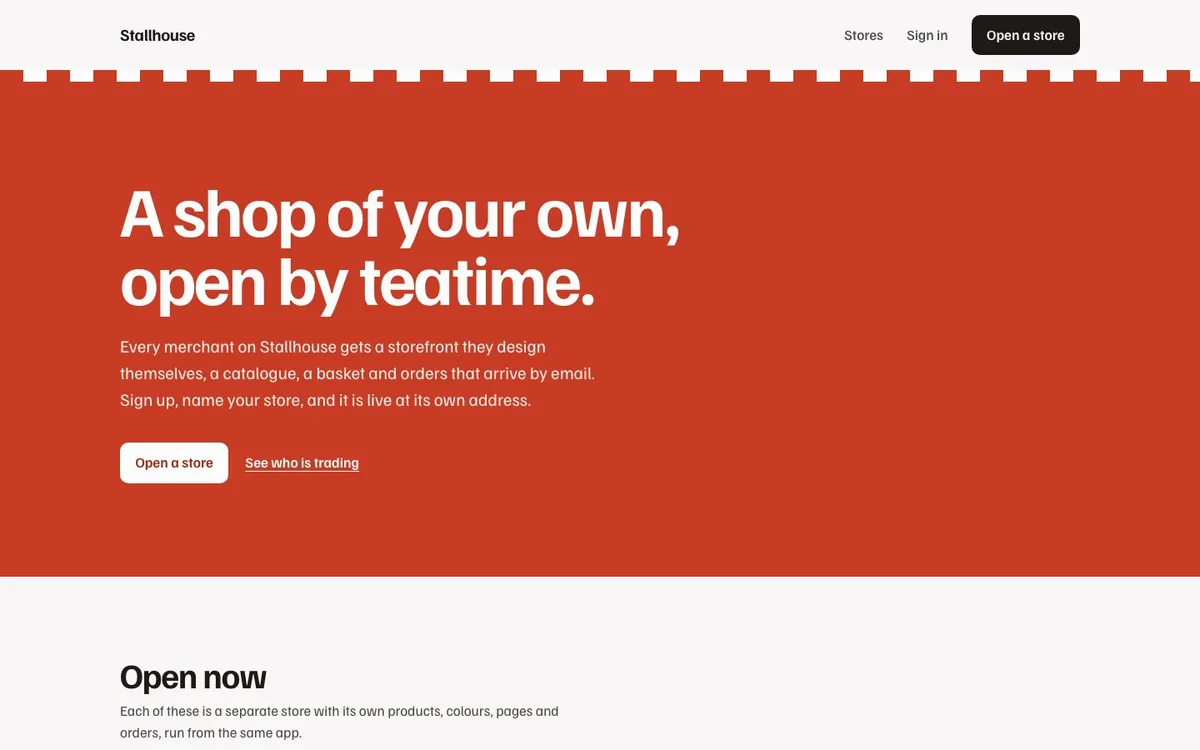
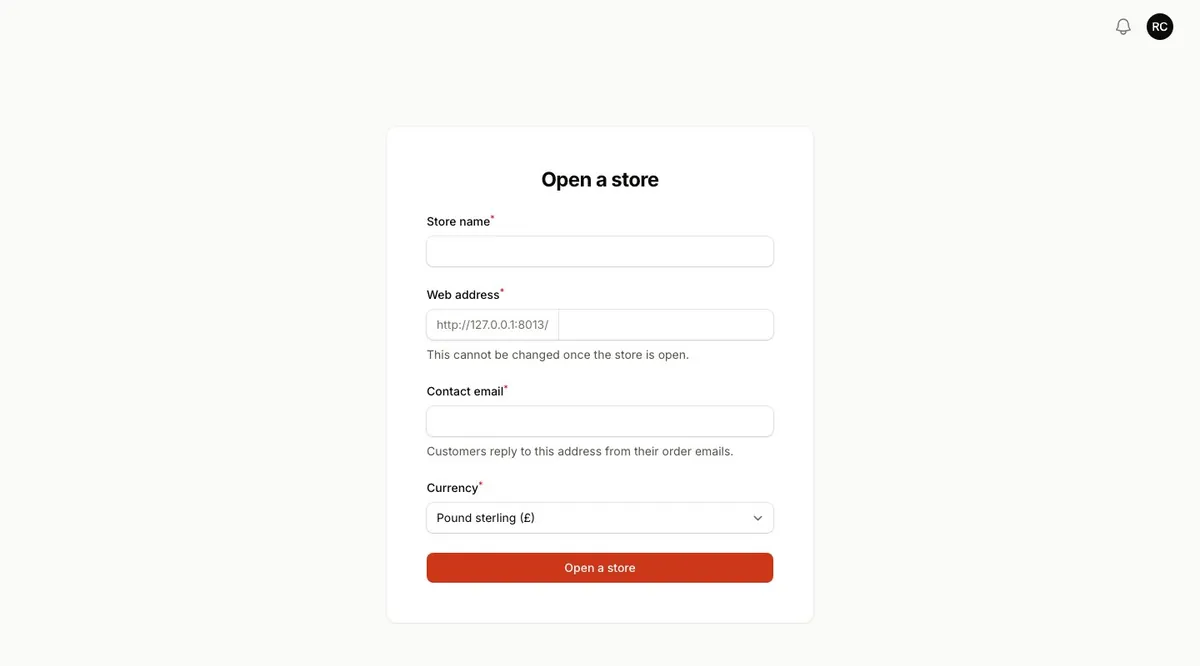
A multi-tenant platform: anyone registers, opens a store and gets a storefront at /{store} straight away. It follows the Tenancy guide end to end.
Storeis both the Filament tenant and the site owner, viaFilamentCraftPlugin::tenantSites(Store::class)->allowSiteCreation(false).- Stores are served by
Route::filamentCraftTenant()with a reserved-slug pattern, so/appand the package's own routes are never mistaken for a store. - Registering a store builds its storefront from a site blueprint in the same request.
- Products, categories, orders, baskets and notifications are scoped per store, and each store has its own currency and order numbers.
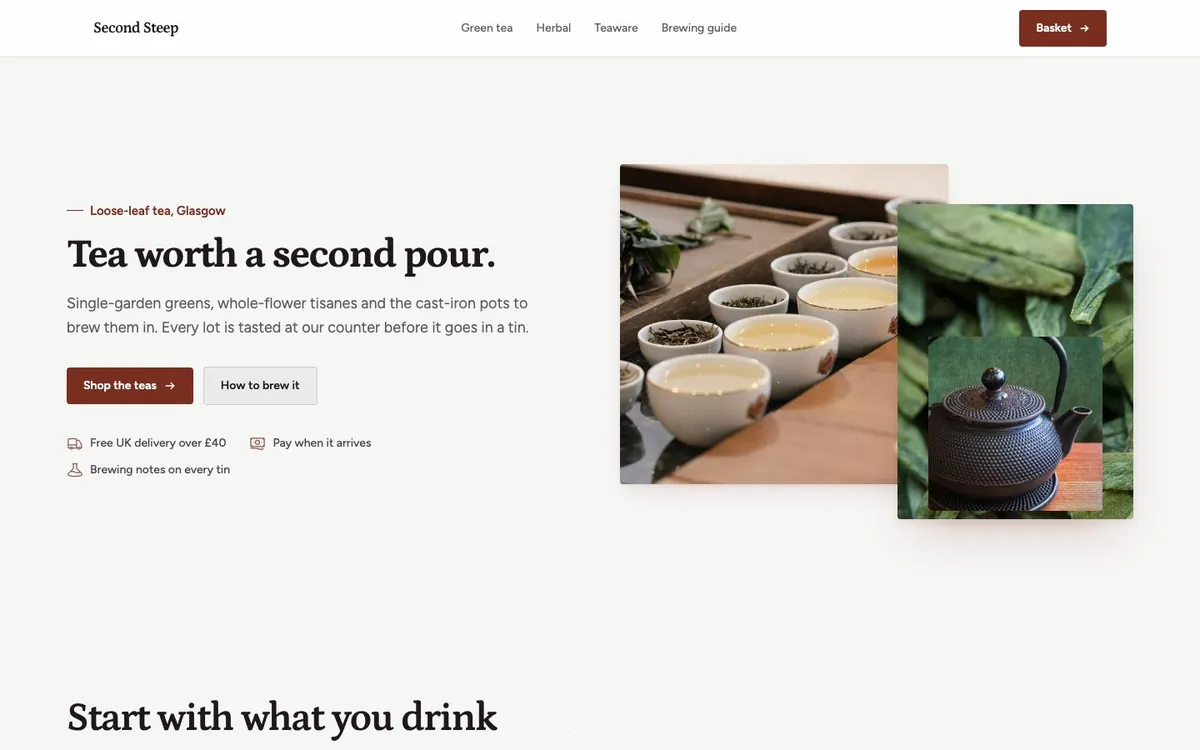
- Two stores come seeded, each with its own theme, fonts and pages: Second Steep (tea, pounds) and Understory (plants, euros).
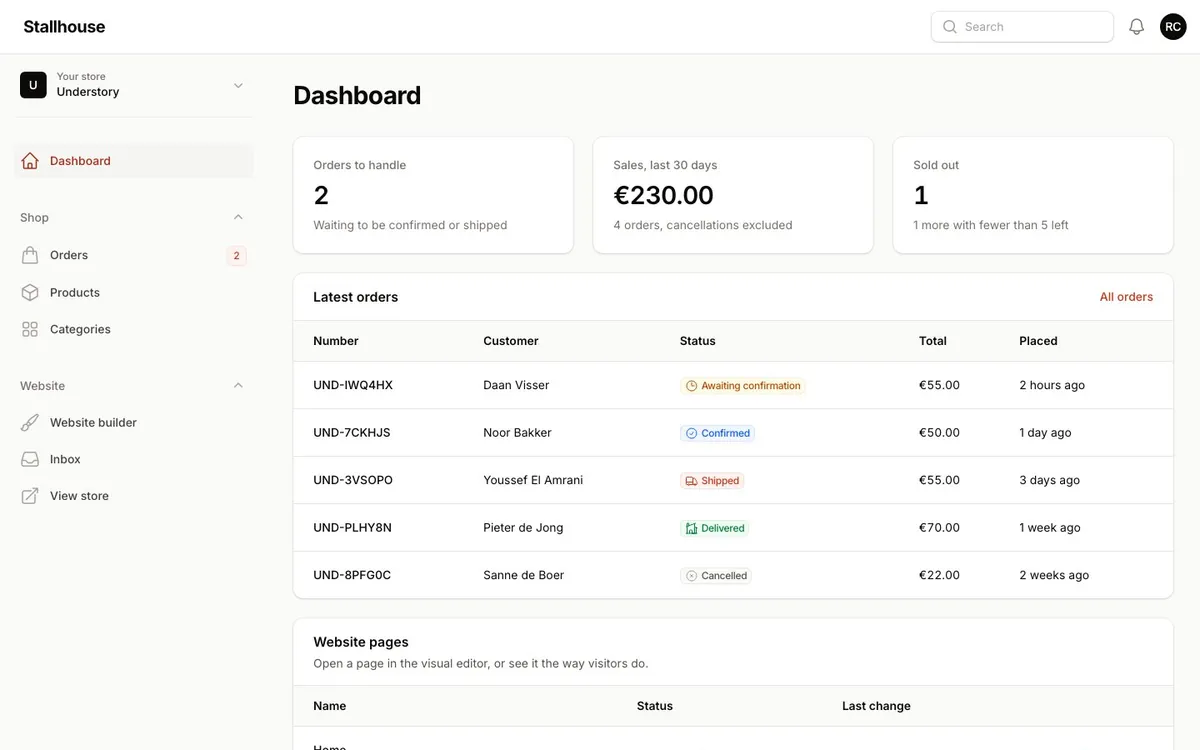
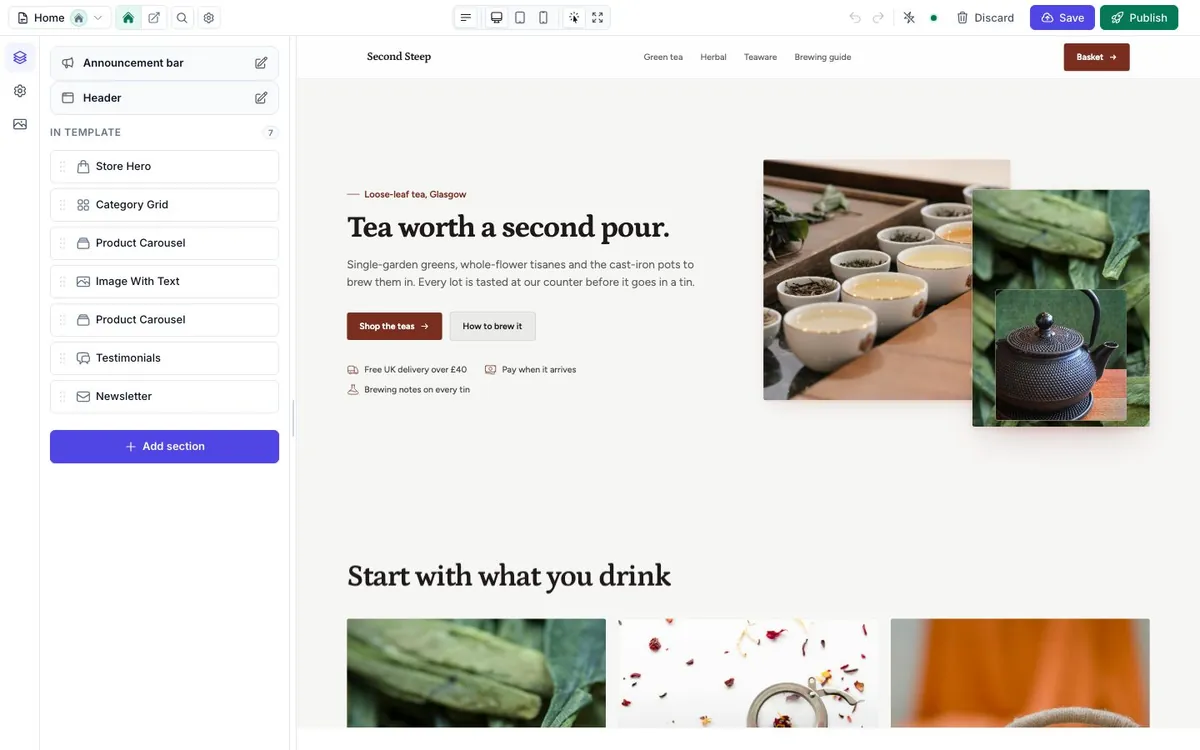
FilamentCraft's Storefront is one shared service, so the kit resolves the current store per call: from the site the tenant route bound, the store field on basket posts, the template being previewed in the editor, then the Filament tenant. The kit's CurrentStore class shows the pattern if you build your own multi-store app.
Apps with your own UI
Laravel's official starter kits (laravel new --react --teams, --vue, --livewire) with FilamentCraft added. Sign-up, teams, settings and the website pages stay in the kit's own UI. FilamentCraft adds only the visual editor, in a hidden panel that opens full screen, so your users never see a Filament screen.
| Kit | UI | Built on |
|---|---|---|
| starter-react | Inertia + React + shadcn/ui | laravel new --react --teams |
| starter-vue | Inertia + Vue + shadcn-vue | laravel new --vue --teams |
| starter-livewire | Livewire + Flux | laravel new --livewire --teams |
All three do the same thing:
- Every team gets a website. A new team picks a style (modern, editorial, bold or elegant) and gets a live site with a header, footer and home page.
- A Website page in the app lists the pages with Edit and View links, edits the shared header and footer, and takes the site online or offline.
- An Inbox page shows messages and sign-ups from the site's forms.
- The editor opens at
/builder/{team}/…. Its All pages link brings the user back to the Website page. - Public sites are served at
/s/{team-slug}, with a sitemap. - One permission everywhere. Team owners and admins can edit. Members can't, in the app or in the editor, and no team can open another team's pages.
bash
git clone https://github.com/filamentcraft/starter-vue my-app
cd my-app
composer setup
composer dev
You need PHP 8.3+, Composer 2, Node 22+ and a FilamentCraft license. Sign in at http://localhost:8000/login as [email protected] with the password password. That user belongs to two teams, each with a live website.
Already have an app built from a Laravel starter kit? The same changes, step by step, are in Add it to a Laravel starter kit. php artisan filamentcraft:uninstall takes them out again.
Keeping them current
The kits pin FilamentCraft with a caret constraint. After composer update, run php artisan filamentcraft:upgrade to publish new migrations and assets, and php artisan filamentcraft:doctor to check the result. Each Filament kit's composer test runs Pint, PHPStan at level 6 and its Pest suite. The React, Vue and Livewire kits run the same, plus their front-end checks, with composer ci:check.