
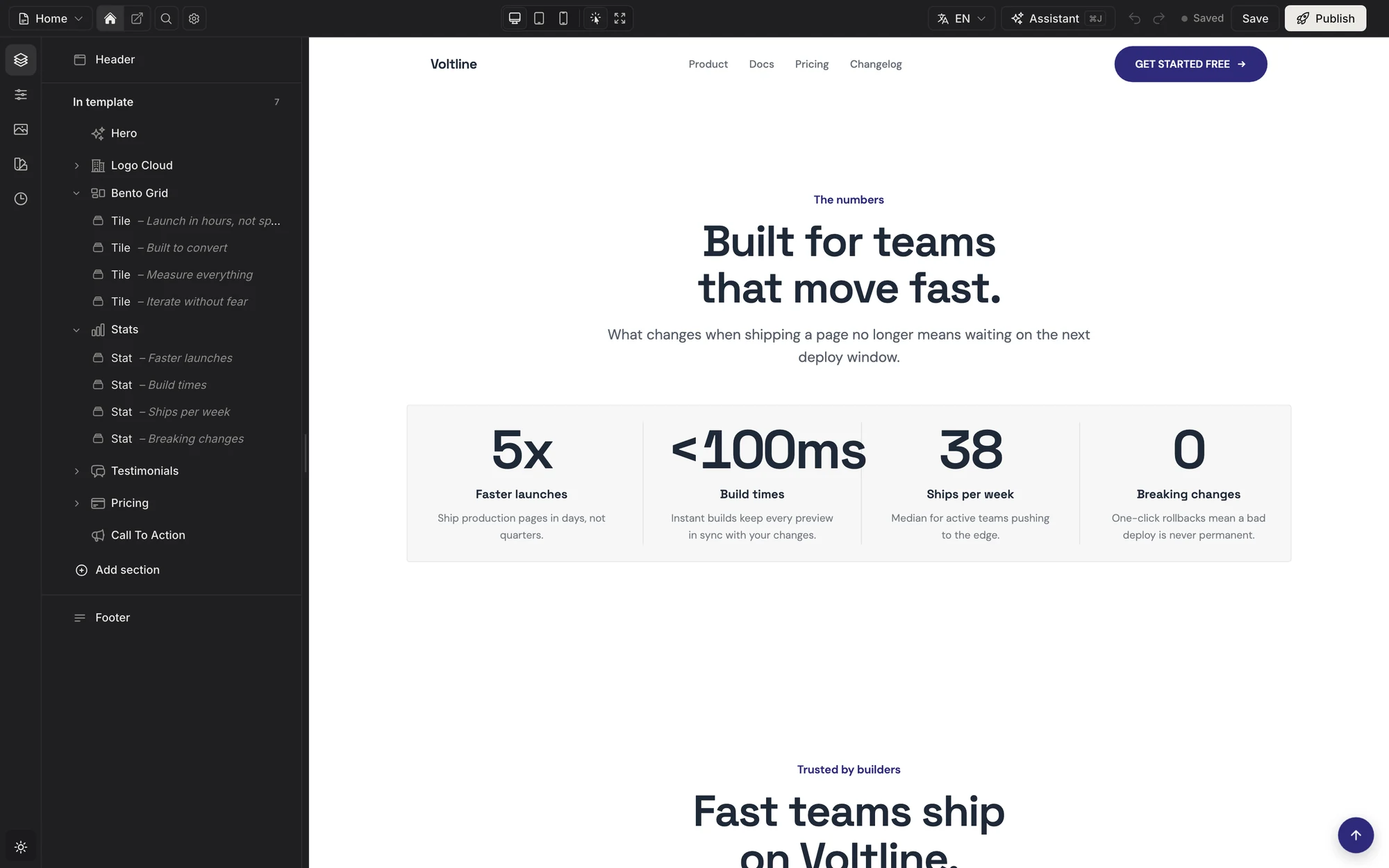
Appearance
Installation
You need a Laravel app with a Filament panel (php artisan filament:install --panels) and your license email. No license yet? Pick a plan on the pricing page; every tier ships the same package.
The editor runs inside a Filament panel; the published sites don't. If your app's own UI is React, Vue, Svelte or Livewire (Laravel's starter kits included), install with php artisan filamentcraft:install --standalone instead: see React, Vue & Livewire Apps, or clone a ready-made starter kit.
Add the registry
Username is your purchase email, password is your license key:
bash
composer config repositories.filamentcraft composer https://packages.filamentcraft.dev
composer config http-basic.packages.filamentcraft.dev [email protected] YOUR-LICENSE-KEY
This writes auth.json. Add it to .gitignore.
Install the package
bash
composer require filamentcraft/filamentcraft
php artisan filamentcraft:install
It publishes the config, migrations, and editor assets, asks to run the migrations, links storage, seeds a published example site, and prints your panel provider path.
| Flag | Effect |
|---|---|
--keys= | int (default), uuid or ulid primary keys. See Models & Keys. |
--no-example | Start without the example site. |
--family= | Style of the example site. See Create a site. |
--no-assets | Skip the editor assets. |
--force | Overwrite previously published files. |
--folio | Scaffold Folio storefront pages. |
Register the plugin
php
use Filament\Panel;
use FilamentCraft\FilamentCraftPlugin;

public function panel(Panel $panel): Panel
{
    return $panel
        ->id('admin')
        ->plugin(FilamentCraftPlugin::make());
}
The sidebar gets a Website builder item.
Create a site
Install already created one: a published site with a header, footer, and a seven- or eight-section home page, owned by your first tenant when tenancy.owner_model is set. Install skips it when any site exists, so re-running install is safe. Seed another at any time:
bash
php artisan filamentcraft:starter--family= | Look |
|---|---|
modern (default) | Clean, product-led |
editorial | Warm, crafted |
bold | Loud, high-energy |
elegant | Quiet, refined |
bash
php artisan filamentcraft:starter --family=editorial --name="Acme" --owner=1--owner attaches the site to a tenant.
Edit and publish
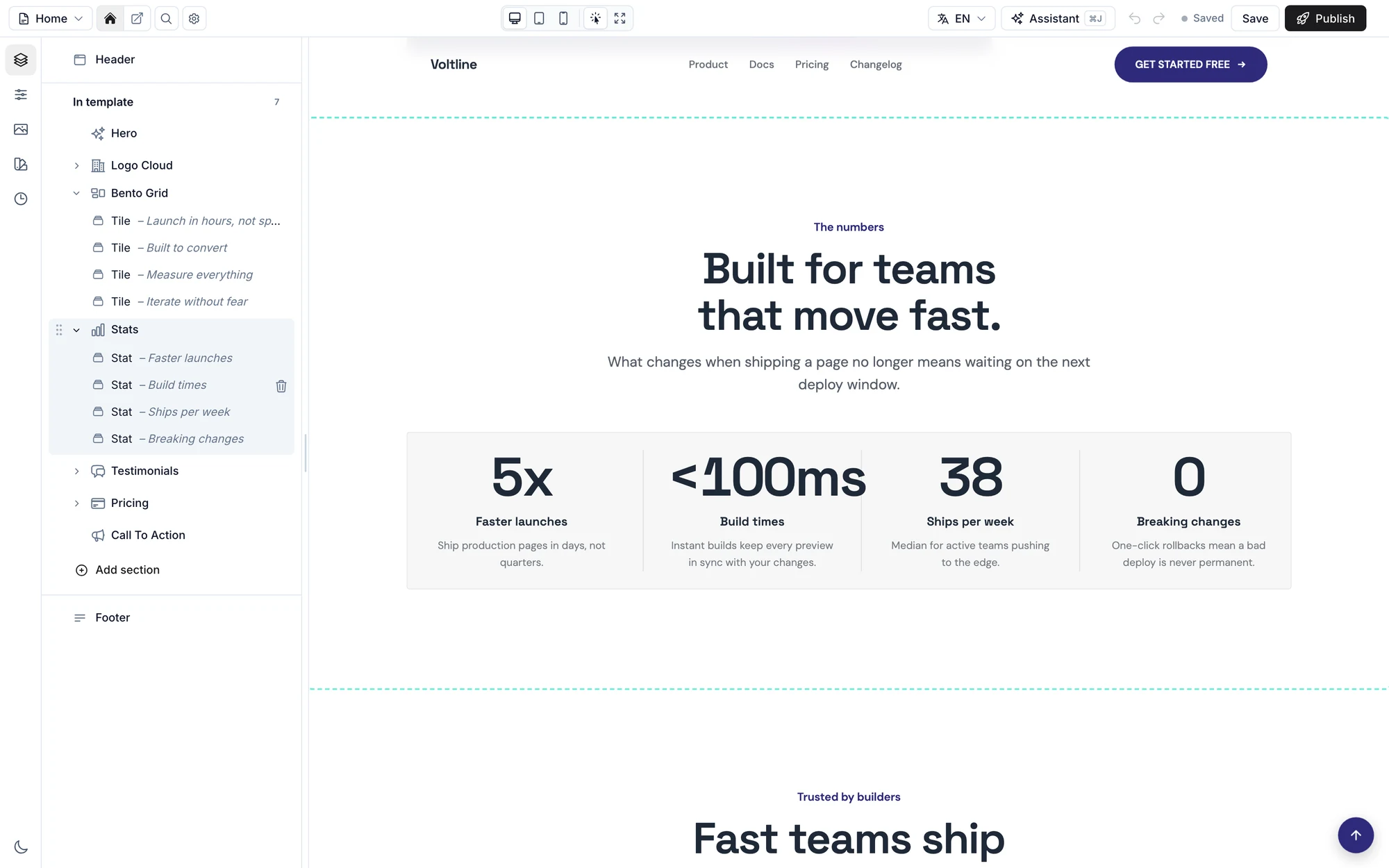
- Open Website builder.
- Click a section to edit it, or Add section for a new one.
- Save stores a draft. Publish makes it live.
Serve public pages
Off by default. Turn it on:
php
// config/filamentcraft.php
'public_routes' => true,
Delete the Route::get('/', …) welcome route in routes/web.php. Domains and URL schemes: Public Routing.
Check the install
bash
php artisan filamentcraft:doctorChecks migrations, themes, sites, assets, and panel wiring, and prints the fix for each failure.
Working with an AI agent
If you use Claude Code, Cursor, Codex or Copilot, install FilamentCraft's agent skills so the agent builds sections, themes and pages the way the package expects:
bash
composer require laravel/boost --dev
php artisan boost:install
Tick filamentcraft/filamentcraft when Boost asks which packages' skills to install. See Agent Skills for the other install options and what to ask.
License key
dotenv
FILAMENTCRAFT_LICENSE_KEY=your-license-keyWithout it everything works, but public pages show a "Built with FilamentCraft" link. Hide the link without a key using FilamentCraftPlugin::make()->softLicense(false).
Deploying
bash
# Credentials: site → Settings → Composer → Add credential (packages.filamentcraft.dev)
# Deploy script, after the migrate line:
$FORGE_PHP artisan filamentcraft:upgrade
yaml
- run: composer install --no-interaction --prefer-dist
  env:
    COMPOSER_AUTH: '{"http-basic":{"packages.filamentcraft.dev":{"username":"${{ secrets.FILAMENTCRAFT_EMAIL }}","password":"${{ secrets.FILAMENTCRAFT_KEY }}"}}}'
bash
export COMPOSER_AUTH='{"http-basic":{"packages.filamentcraft.dev":{"username":"[email protected]","password":"YOUR-LICENSE-KEY"}}}'

composer install --no-dev --no-interaction --prefer-dist --optimize-autoloader
php artisan migrate --force
php artisan filamentcraft:upgrade
Run filamentcraft:upgrade on every deploy: composer update doesn't publish new migrations or assets. See Upgrading.
Common problems
Composer returns 401 or 403
Wrong email or key. Re-run the composer config http-basic… command. On a server, check that COMPOSER_AUTH is valid one-line JSON.
Editor looks unstyled or outdated
Run php artisan filamentcraft:upgrade and hard-reload.
My sections are missing Tailwind classes
Add them as @source paths. See Styling & Tailwind.
"Open live page" points to localhost
Set APP_URL in .env.
Home page shows the Laravel welcome page
Delete the welcome route, set public_routes to true, and publish a home page.
Uploaded images don't show
Run php artisan storage:link.
Configure the panel
Show the admin tables
php
FilamentCraftPlugin::make()
    ->showAdvancedResources()
Adds Stores, Pages, and Designs to the sidebar.
Rename the sidebar items
php
FilamentCraftPlugin::make()
    ->navigationGroup('Website')            // default: "Content"
    ->navigationLabel('Site editor')        // default: "Website builder"
    ->sitesNavigationLabel('Sites')         // default: "Stores"
    ->templatesNavigationLabel('Templates') // default: "Pages"
    ->themesNavigationLabel('Themes')       // default: "Designs"
For translated labels, publish filamentcraft-translations and edit the navigation.* keys.
Limit who can use the builder
php
use Illuminate\Contracts\Auth\Authenticatable;

FilamentCraftPlugin::make()
    ->canAccessUsing(fn (?Authenticatable $user): bool => $user?->can('use-website-builder') ?? false)
Returning false hides the builder and makes all its routes return 403.
Change the editor's tab title
The editor's browser tab reads Site editor · Home (or Site editor · Editing the site header while editing a region). To change it:
php
use FilamentCraft\Enums\RegionName;
use FilamentCraft\Models\Template;

FilamentCraftPlugin::make()
    ->editorDocumentTitleUsing(fn (Template $template, ?RegionName $region): string => "Builder · {$template->name}")
For a translated label instead, edit the editor.document_title key (it takes a :page placeholder).
Change where "All pages" leads
The editor's All pages link opens the FilamentCraft dashboard. To send it to your own page list instead:
php
use FilamentCraft\Models\Template;

FilamentCraftPlugin::make()
    ->editorExitUrlUsing(fn (Template $template): string => route('sites.pages', $template->site), 'Back to pages')
Change the editor's accent color
The editor chrome (buttons, the selected section, toggles) uses a neutral ink, which turns off-white in dark mode. To use your own color:
php
use Filament\Support\Colors\Color;

FilamentCraftPlugin::make()
    ->editorPrimaryColor('#0f766e')               // hex, rgb() or oklch()
    // ->editorPrimaryColor(Color::Teal)          // a Filament palette: shade 600, 400 in dark mode
    // ->editorPrimaryColor('#0f766e', '#5eead4') // a separate dark-mode color
Or match the panel your editor lives in with ->usePanelPrimaryColor(). Button text turns black or white on its own so it stays readable, and a value that isn't a color is ignored.
Register only the editor
php
FilamentCraftPlugin::make()
    ->editorOnly()
Skips the dashboard and the Sites, Templates, Themes and Inbox resources. Use it when your app's own UI lists sites and pages; see Inertia, React & Vue Apps.
Your own sections
Need a block the catalog doesn't have? Make one:
bash
php artisan make:filamentcraft-section Testimonial          # new section: PHP class + Blade view
php artisan filamentcraft:customize-section hero MyHero     # copy a built-in and change it
Register with ->discoverSectionsIn(app_path('Sections')) on the plugin. Or build sections without code in the Section Builder. Full guide: Custom Sections.
Next steps
- Styling & Tailwind
- Tenancy
- The Editor
- Sections
- Live demo: try the editor before you install
- Compare: FilamentCraft vs Filament Fabricator, Layup and the Builder field
- Pricing: one-time licences